
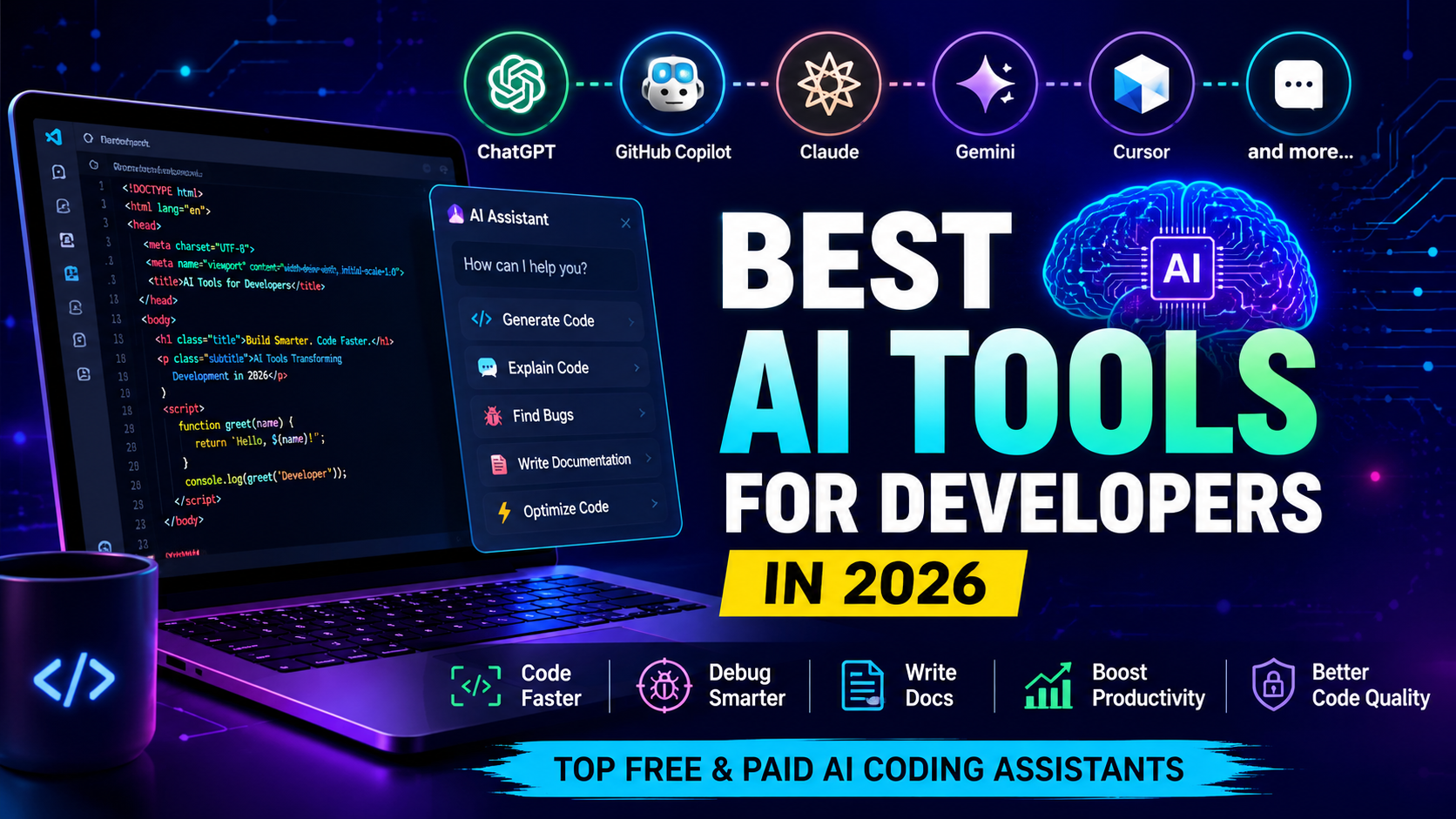
Best AI Tools for Developers in 2026 (Free & Paid)
Artificial Intelligence has completely transformed software development. In 2026, developers are no longer using AI only for code completion. Modern AI tools can generate code, explain complex logic, debug applications, write documentation, create SQL queries, generate unit tests, and even review pull requests.
Whether you’re a beginner learning programming or an experienced software engineer, AI can significantly improve productivity and reduce development time.
In this guide, we’ll explore the best AI tools for developers in 2026, compare their features, pricing, advantages, disadvantages, and help you choose the right tool for your workflow.
Why Developers Should Use AI Tools
AI-powered development tools help you:
- Write code faster
- Detect bugs automatically
- Improve code quality
- Generate documentation
- Learn new programming languages
- Create unit tests
- Refactor existing projects
- Explain complex code
- Increase overall productivity
According to industry trends, developers using AI assistants often complete repetitive coding tasks much faster than traditional workflows.
1. ChatGPT
Best For: General coding, debugging, explanations, architecture planning
Features
- Generate code in multiple languages
- Debug errors
- Explain code line by line
- Create SQL queries
- Build APIs
- Generate documentation
- Create regular expressions
- Learning programming concepts
Pros
- Supports nearly every programming language
- Excellent explanations
- Great for beginners
- Strong debugging capabilities
Cons
- May occasionally generate outdated solutions
- Requires verification for production code
2. GitHub Copilot
Best For: Code completion
GitHub Copilot integrates directly into Visual Studio Code, JetBrains IDEs, and Visual Studio.
Features
- AI autocomplete
- Function generation
- Test generation
- Smart suggestions
- Code refactoring
Pros
- Saves hours of typing
- Works inside IDE
- Excellent productivity
Cons
- Subscription required for advanced usage
- Suggestions should always be reviewed
3. Claude
Best For: Large codebases and reasoning
Claude has become one of the most capable AI assistants for understanding large software projects.
Features
- Understands long code files
- Architecture discussions
- Code reviews
- Documentation writing
- Bug analysis
Pros
- Excellent reasoning
- Great for enterprise projects
- Reads large codebases efficiently
4. Google Gemini
Best For: Google ecosystem developers
Features
- Android development
- Google Cloud assistance
- Code generation
- Documentation
- API help
Pros
- Good integration with Google services
- Useful for Android developers
5. Cursor AI
Cursor has become one of the most popular AI-powered code editors.
Features
- AI editing
- Multi-file editing
- Explain code
- Refactoring
- Chat with project
Best For
- Full-stack developers
- Startup teams
- Freelancers
6. Windsurf
Windsurf is an AI-first IDE focused on developer productivity.
Features
- AI workflow
- Code generation
- Project understanding
- Debugging
7. Continue.dev
Continue is an open-source AI coding assistant.
Features
- Local AI models
- Multiple providers
- Privacy-focused
- VS Code integration
Best For
Developers who want more control over their AI workflow.
8. Amazon Q Developer
Ideal for AWS developers.
Features
- AWS code generation
- Cloud debugging
- Infrastructure assistance
- Security recommendations
9. Tabnine
One of the oldest AI coding assistants.
Features
- AI autocomplete
- Local deployment
- Enterprise support
- Privacy controls
10. Codeium
A popular free AI coding assistant.
Features
- Free plan
- Multiple IDE support
- Fast autocomplete
- AI chat
Best For
Students and beginner developers.
Comparison Table
| Tool | Free Version | Best For |
|---|---|---|
| ChatGPT | Yes | Coding & Debugging |
| GitHub Copilot | Limited | Code Completion |
| Claude | Yes | Large Projects |
| Gemini | Yes | Google Developers |
| Cursor | Limited | Full Stack |
| Windsurf | Limited | AI IDE |
| Continue | Yes | Open Source |
| Amazon Q | Yes | AWS |
| Tabnine | Yes | Enterprise |
| Codeium | Yes | Students |
Which AI Tool Should You Choose?
Beginners
- ChatGPT
- Codeium
- Gemini
Students
- ChatGPT
- Continue
- Codeium
Professional Developers
- GitHub Copilot
- Cursor
- Claude
Full Stack Developers
- Cursor
- ChatGPT
- GitHub Copilot
AWS Developers
- Amazon Q
Tips for Using AI Effectively
- Never copy AI-generated code without reviewing it.
- Test every generated function.
- Understand the logic before deployment.
- Keep dependencies updated.
- Use AI as an assistant, not a replacement for learning.
Frequently Asked Questions
Which is the best AI coding tool in 2026?
ChatGPT, GitHub Copilot, Cursor, and Claude are among the top choices depending on your workflow.
Is ChatGPT better than GitHub Copilot?
ChatGPT excels at explanations, debugging, and learning, while GitHub Copilot is optimized for in-editor code completion.
Which AI tool is free?
Codeium, Continue, Gemini, and ChatGPT offer free plans with varying limits.
Can AI replace programmers?
No. AI assists developers by automating repetitive tasks, but human expertise is still essential for architecture, business logic, security, and decision-making.
Final Thoughts
AI has become an essential part of modern software development. The right tool depends on your experience level, programming language, and workflow. Beginners may benefit most from conversational assistants that explain concepts, while experienced developers often combine an AI editor with a coding assistant to speed up implementation and reviews.
Instead of relying on a single tool, consider building a workflow where different AI assistants complement each other. Used thoughtfully, AI can improve productivity while helping you write cleaner, better-tested, and more maintainable software.