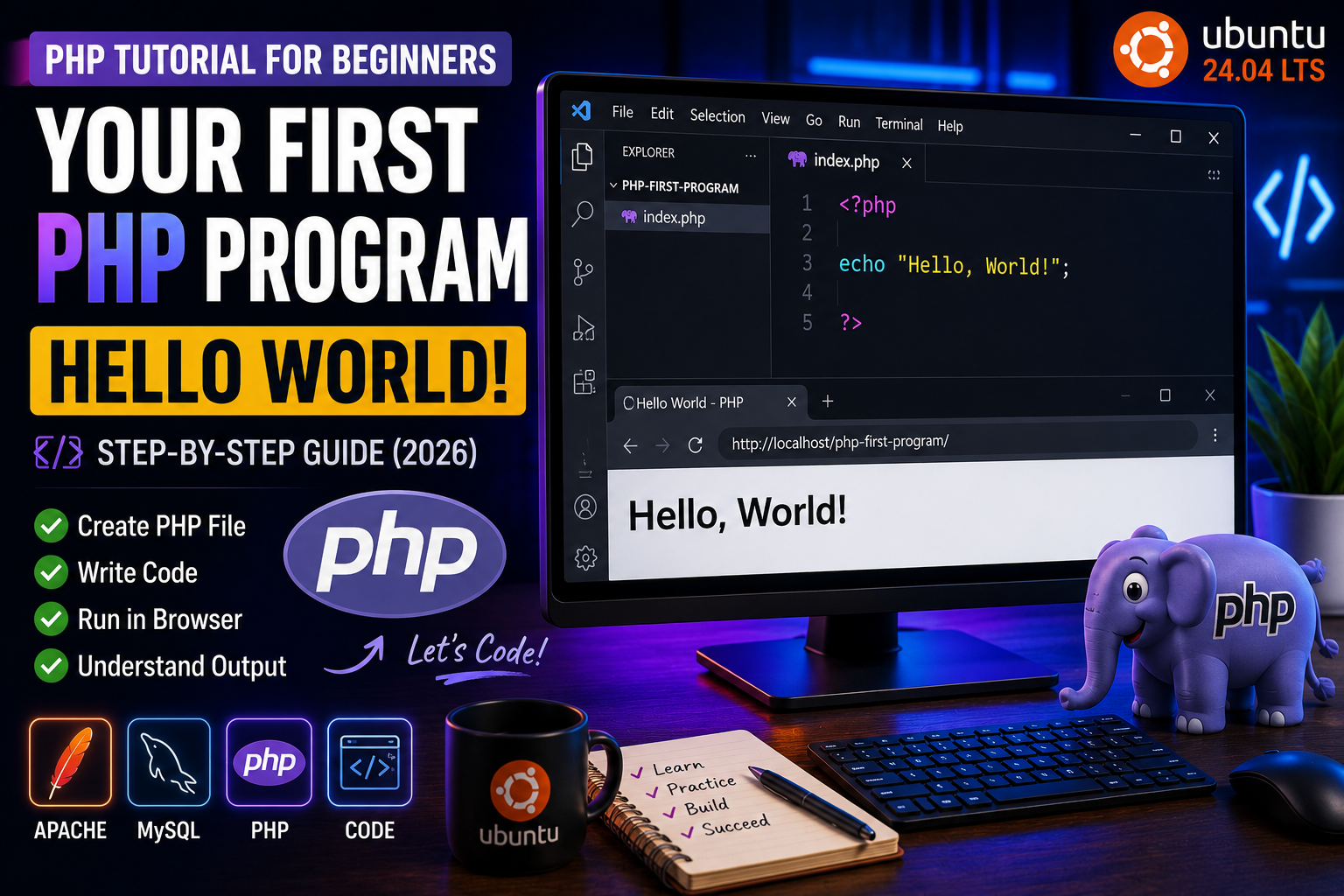
Your First PHP Program – Hello World
Congratulations! If you have already installed PHP and set up XAMPP or another local server, you are ready to write your first PHP program.
The traditional first program in almost every programming language is “Hello, World!”. Although it looks simple, it teaches the basic structure of a PHP script and confirms that your PHP environment is working correctly.
In this tutorial, you’ll create your first PHP file, execute it in a browser, and understand every line of code.
Prerequisites
Before starting, make sure you have:
- PHP installed on your computer
- XAMPP, Apache, or another web server running
- A code editor such as Visual Studio Code
- Basic knowledge of folders and files
If you haven’t installed PHP yet, read the previous tutorials in this series before continuing.
Step 1: Create a Project Folder
If you’re using XAMPP, open the htdocs directory.
Example:
/opt/lampp/htdocs/
Create a new folder:
php-first-program
This folder will contain your PHP files.
Step 2: Create Your First PHP File
Inside the folder, create a file named:
index.php
Most web servers automatically load index.php when a folder is opened in the browser.
Step 3: Write Your First PHP Program
Open index.php and write the following code:
<?php

echo "Hello, World!";

?>
Save the file.
Understanding the Code
Let’s understand each part of the program.
PHP Opening Tag
<?php
This tells the web server that PHP code begins here. Everything between the opening and closing PHP tags is interpreted by the PHP engine.
The echo Statement
echo "Hello, World!";
The echo statement outputs text to the browser.
In this example, the browser will display:
Hello, World!
The semicolon (;) marks the end of the statement and is required in PHP.
PHP Closing Tag
?>
This marks the end of the PHP block.
In files that contain only PHP code, many developers omit the closing tag to avoid accidental whitespace or output issues. However, it’s useful for beginners to understand the complete syntax first.
Step 4: Run Your Program
Start your web server (Apache in XAMPP).
Open your browser and visit:
http://localhost/php-first-program/
If everything is configured correctly, you should see:
Hello, World!
Congratulations! 🎉 You have successfully written and executed your first PHP program.
How PHP Executes the Program
When you visit the page:
- The browser sends a request to the web server.
- The web server detects the
.phpfile. - The PHP interpreter executes the code.
- The generated HTML/text is sent back to the browser.
- The browser displays the result.
Unlike HTML, the PHP source code is not visible to visitors—they only receive the generated output.
Common Beginner Mistakes
Many beginners face simple issues when writing their first PHP program:
- Saving the file as
index.htmlinstead ofindex.php - Forgetting the semicolon (
;) - Typing
echoincorrectly - Not starting Apache or the PHP server
- Opening the file directly instead of accessing it through
http://localhost
Checking these points usually resolves most first-time errors.