Introduction
Learning SQL queries individually is important, but real-world applications combine them into a complete system. A CRUD application is one of the first practical projects every PHP developer should build because it teaches how to manage data from start to finish.
CRUD stands for:
- Create – Add new records.
- Read – Display existing records.
- Update – Edit records.
- Delete – Remove records.
In this tutorial, you will build a complete CRUD application using PHP, MySQL, Bootstrap 5, and mysqli Prepared Statements. By the end of this guide, you’ll have a working project that can be extended into an employee management system, student management system, inventory system, or customer database.
What You Will Build
At the end of this tutorial, your project will include:
- Add Employee
- View Employees
- Edit Employee
- Delete Employee
- Responsive Bootstrap Design
- Success/Error Messages
- Prepared Statements
- SQL Injection Protection
Technologies Used
- PHP 8+
- MySQL
- HTML5
- CSS3
- Bootstrap 5
- JavaScript
- XAMPP
Project Structure
crud-project/

│── index.php
│── add.php
│── insert.php
│── edit.php
│── update.php
│── delete.php
│── db.php
│── assets/
│── css/
│── js/
Database
Database Name
company_dbTable
CREATE TABLE employees (

id INT AUTO_INCREMENT PRIMARY KEY,

name VARCHAR(100),

email VARCHAR(100),

phone VARCHAR(20),

department VARCHAR(100),

created_at TIMESTAMP DEFAULT CURRENT_TIMESTAMP

);
Features
✅ Add New Employee
✅ View Employee List
✅ Search Records
✅ Edit Employee
✅ Delete Employee
✅ Confirmation Before Delete
✅ Responsive Bootstrap UI
✅ Secure Database Queries
What Readers Will Learn
After completing this project, readers will understand:
- Database design
- Forms
- Validation
- CRUD operations
- Bootstrap integration
- Secure coding
- Real project structure
- Production-ready coding practices
Common Beginner Mistakes
❌ Using SQL without Prepared Statements
❌ Forgetting WHERE in UPDATE
❌ Forgetting WHERE in DELETE
❌ Not validating form data
❌ Displaying SQL errors directly on a live website
❌ Mixing HTML and PHP without proper structure
Best Practices
- Use prepared statements for every database query.
- Validate and sanitize user input.
- Separate database connection into a dedicated file.
- Show user-friendly success and error messages.
- Confirm before deleting records.
- Keep your project organized with separate files for each operation.
Internal Links
Link this article to:
- What is PHP?
- PHP Variables
- PHP Forms
- PHP MySQL Connection
- PHP INSERT
- PHP SELECT
- PHP UPDATE
- PHP DELETE
This strengthens the internal linking structure of your PHP tutorial series.
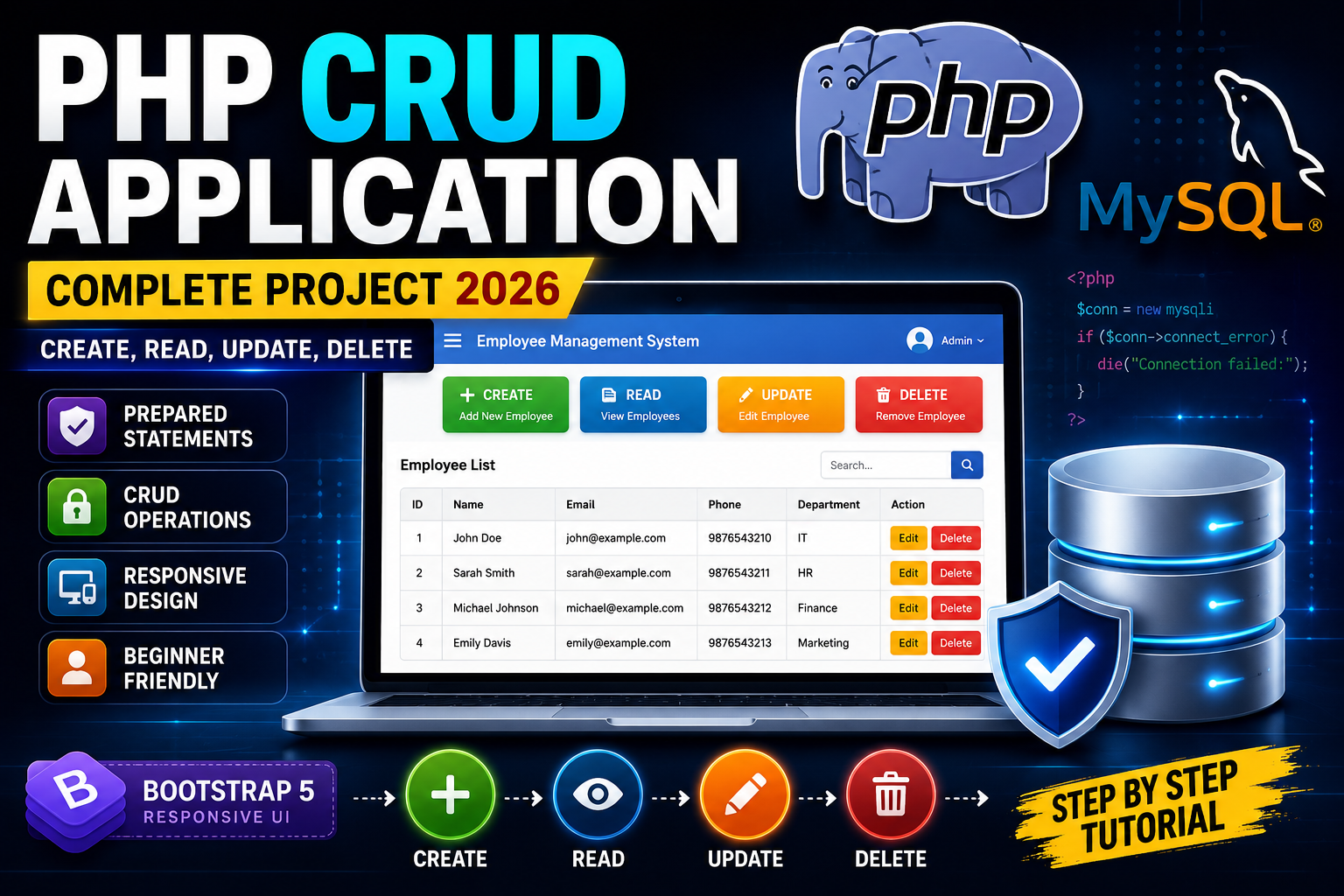
Featured Image
Use a modern tech-themed thumbnail with:
- Large title: PHP CRUD APPLICATION
- Subtitle: Complete Project 2026
- PHP logo
- MySQL logo
- Database table illustration
- Icons for Create, Read, Update, and Delete
- Bootstrap 5 badge
- Dark blue gradient background with glowing effects
- A laptop screen displaying a CRUD dashboard