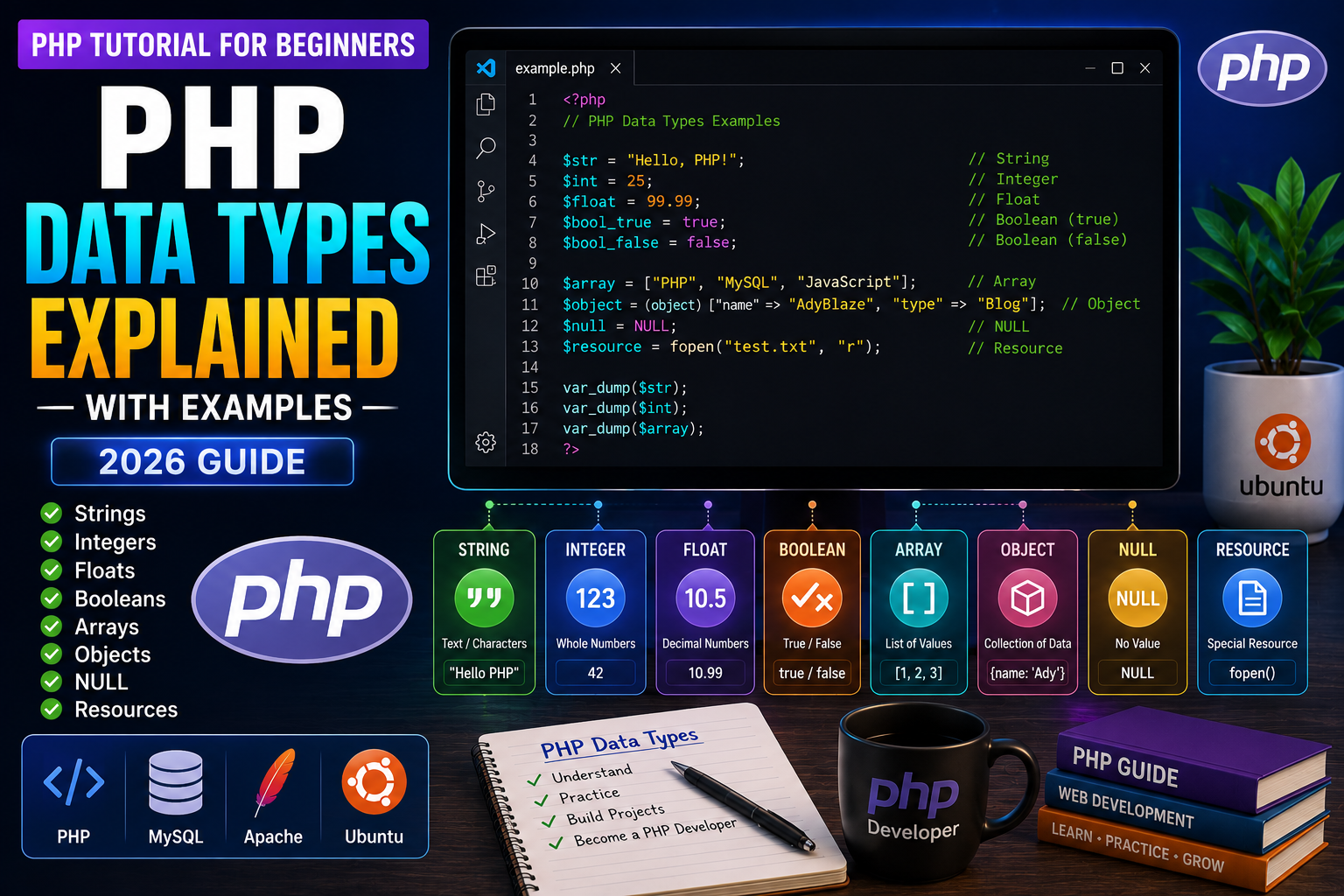
PHP Data Types Explained
Every piece of information stored in a PHP variable has a data type. The data type tells PHP what kind of value is stored inside the variable and how it should be handled.
For example:
- A person’s name is text.
- A person’s age is a number.
- A product price can contain decimal values.
- A user’s login status can be either true or false.
PHP automatically detects the data type based on the value you assign. This feature is known as dynamic typing, which makes PHP easy for beginners to learn.
In this tutorial, you’ll explore all major PHP data types with practical examples.
What is a Data Type?
A data type defines the kind of data a variable stores.
Example:
$name = "Adil";

$age = 28;

$price = 999.99;

$isStudent = false;
Here:
$namestores text.$agestores a whole number.$pricestores a decimal number.$isStudentstores a Boolean value.
PHP automatically identifies the correct data type.
Why Are Data Types Important?
Using the correct data type helps you:
- Write cleaner code
- Improve application performance
- Reduce programming errors
- Perform calculations correctly
- Validate user input more effectively
Choosing the right data type is a fundamental programming skill.
Types of Data in PHP
PHP supports several built-in data types. The most commonly used are:
- String
- Integer
- Float (Double)
- Boolean
- Array
- Object
- NULL
- Resource
Let’s understand each one.
1. String
A String is a sequence of characters enclosed in single or double quotes.
Example:
<?php

$name = "AdyBlaze";

echo $name;

?>
Output:
AdyBlaze
Strings are commonly used for:
- Names
- Email addresses
- Messages
- URLs
- Product titles
- Blog content
2. Integer
An Integer represents a whole number without decimal points.
Example:
<?php

$age = 25;

echo $age;

?>
Output:
25
Integers are used for:
- Age
- Quantity
- Product IDs
- Order numbers
- Stock count
3. Float (Double)
A Float stores numbers that contain decimal values.
Example:
<?php

$price = 499.99;

echo $price;

?>
Output:
499.99
Common uses:
- Product prices
- Discounts
- Percentages
- Measurements
- Scientific calculations
4. Boolean
A Boolean has only two possible values:
truefalse
Example:
<?php

$isLoggedIn = true;

$isAdmin = false;
Booleans are useful for conditions such as:
- User login status
- Payment success
- Email verification
- Account activation
- Feature toggles
Checking a Variable’s Data Type
PHP provides the var_dump() function to display both the value and its data type.
Example:
<?php

$name = "AdyBlaze";

$age = 28;

var_dump($name);

var_dump($age);

?>
Example output:
string(9) "AdyBlaze"

int(28)
var_dump() is one of the most useful debugging tools for beginners because it clearly shows what type of data PHP is working with.