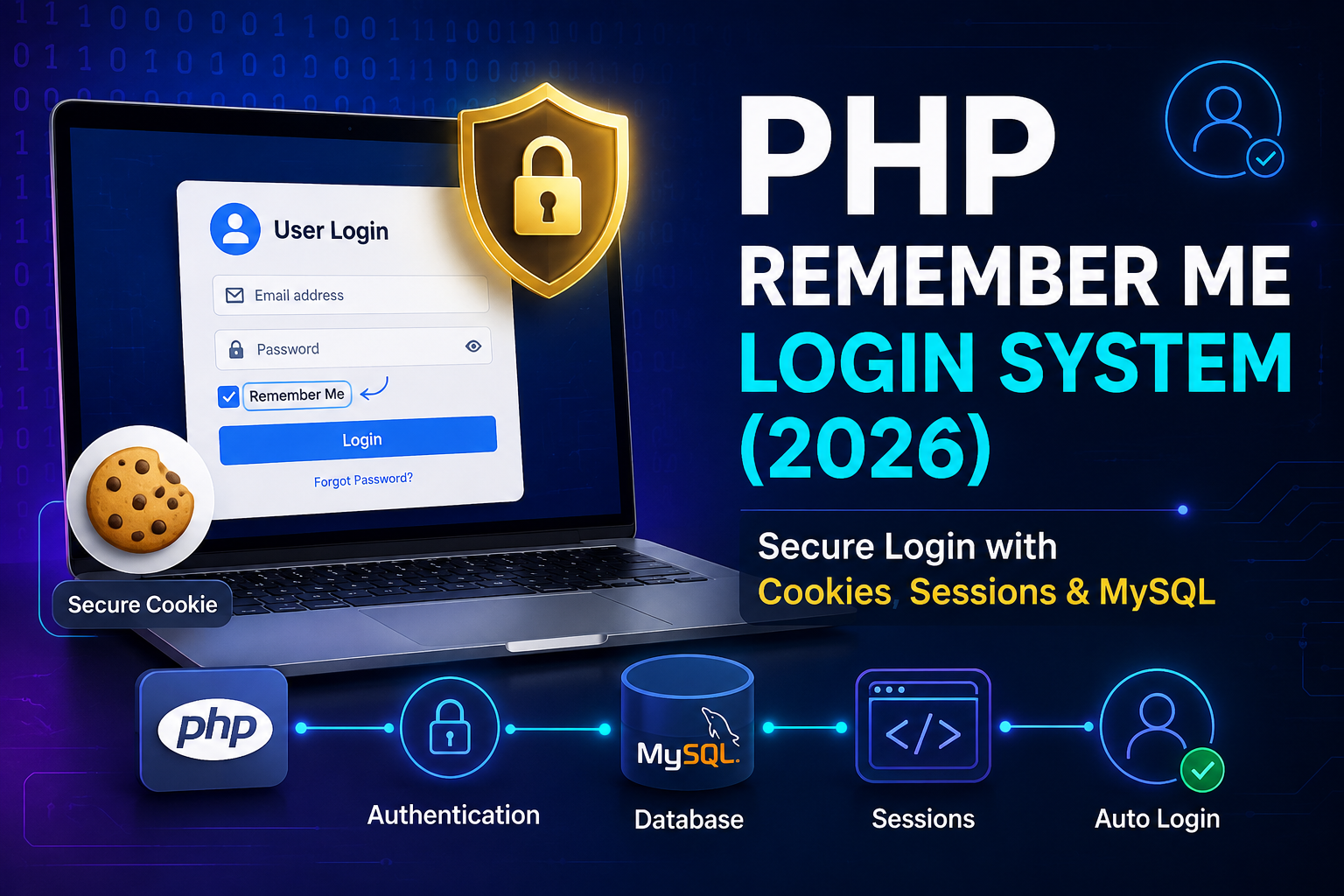
A Remember Me feature allows users to stay logged in even after closing their browser. Instead of entering their email and password every time they visit your website, users can be automatically authenticated using a secure cookie.
Many beginners make a critical mistake by storing the user’s password directly in a cookie. This approach is highly insecure and should never be used.
In this guide, you’ll learn how to build a secure Remember Me Login System using PHP, MySQL, sessions, cookies, password hashing, and authentication tokens.
What is Remember Me?
The Remember Me option is commonly found on login pages. When a user checks this option and successfully logs in:
- A secure authentication token is generated.
- The token is stored securely in the database.
- A cookie containing the token is saved in the browser.
- On future visits, the application verifies the cookie and automatically logs the user in.
Prerequisites
Before you begin, make sure you have:
- PHP 8+
- MySQL
- HTML
- Sessions
- Cookies
- Basic knowledge of PHP
Database Structure
Create the following users table.
CREATE TABLE users (
    id INT AUTO_INCREMENT PRIMARY KEY,
    name VARCHAR(100),
    email VARCHAR(100) UNIQUE,
    password VARCHAR(255),
    remember_token VARCHAR(255),
    created_at TIMESTAMP DEFAULT CURRENT_TIMESTAMP
);
Create the Login Form
<form action="login.php" method="POST">

    <input type="email" name="email" placeholder="Email" required>

    <input type="password" name="password" placeholder="Password" required>

    <label>
        <input type="checkbox" name="remember">
        Remember Me
    </label>

    <button type="submit">Login</button>

</form>
Database Connection
<?php

$conn = new mysqli("localhost", "root", "", "test");

if ($conn->connect_error) {
    die("Connection Failed");
}

?>
Login Script
When the user logs in successfully:
- Verify the password.
- Create a session.
- Generate a secure random token.
- Store the hashed token in the database.
- Save the original token inside a secure cookie.
<?php

session_start();

include 'db.php';

$email = $_POST['email'];
$password = $_POST['password'];

$sql = "SELECT * FROM users WHERE email='$email'";

$result = $conn->query($sql);

if ($result->num_rows > 0) {

    $user = $result->fetch_assoc();

    if (password_verify($password, $user['password'])) {

        $_SESSION['user_id'] = $user['id'];

        session_regenerate_id(true);

        if (isset($_POST['remember'])) {

            $token = bin2hex(random_bytes(32));

            $hashedToken = password_hash($token, PASSWORD_DEFAULT);

            $conn->query("UPDATE users SET remember_token='$hashedToken' WHERE id=".$user['id']);

            setcookie(
                "remember_me",
                $user['id'].':'.$token,
                time() + (60 * 60 * 24 * 30),
                "/",
                "",
                false,
                true
            );

        }

        header("Location: dashboard.php");
        exit;

    } else {

        echo "Invalid password.";

    }

}

?>
Automatic Login
Place the following code at the beginning of every protected page.
<?php

session_start();

include 'db.php';

if (!isset($_SESSION['user_id'])) {

    if (isset($_COOKIE['remember_me'])) {

        list($id, $token) = explode(':', $_COOKIE['remember_me']);

        $result = $conn->query("SELECT * FROM users WHERE id='$id'");

        if ($result->num_rows) {

            $user = $result->fetch_assoc();

            if (password_verify($token, $user['remember_token'])) {

                $_SESSION['user_id'] = $id;

                session_regenerate_id(true);

            }

        }

    }

}

?>
Logout Script
When the user logs out:
- Remove the stored token from the database.
- Delete the cookie.
- Destroy the session.
<?php

session_start();

include 'db.php';

$id = $_SESSION['user_id'];

$conn->query("UPDATE users SET remember_token=NULL WHERE id='$id'");

setcookie("remember_me", "", time() - 3600, "/");

session_destroy();

header("Location: index.php");

exit;

?>
Cookie Expiration
This example stores the cookie for 30 days.
time() + (60 * 60 * 24 * 30)You can easily change it to:
- 7 Days
- 15 Days
- 30 Days
- 90 Days
Never Store Passwords in Cookies
❌ Incorrect approach:
setcookie("email", $email);
setcookie("password", $password);
This exposes user credentials if the browser or cookie storage is compromised.
Instead, always use secure authentication tokens.
Security Best Practices
To build a secure Remember Me system:
- Use
password_hash()to store passwords. - Generate tokens using
random_bytes(). - Store only the hashed token in the database.
- Never save plain-text passwords in cookies.
- Enable HttpOnly cookies.
- Use HTTPS in production.
- Regenerate the session ID after login.
- Delete the token during logout.
- Rotate tokens periodically for better security.
Remember Me Authentication Flow
User Login
      │
      ▼
Verify Password
      │
      ▼
Remember Me Checked?
      │
     Yes
      │
      ▼
Generate Random Token
      │
      ▼
Store Hashed Token in Database
      │
      ▼
Save Token in Cookie
      │
      ▼
User Returns Later
      │
      ▼
Verify Cookie Token
      │
      ▼
Automatically Log In User
Common Mistakes
Avoid these common errors:
- Storing passwords in cookies
- Saving tokens in plain text
- Not using
HttpOnlycookies - Forgetting to remove tokens during logout
- Not regenerating session IDs
- Using predictable authentication tokens
Benefits of Remember Me
- Faster user login
- Improved user experience
- Reduced login friction
- Secure persistent authentication
- Easy integration with existing PHP login systems
- Industry-standard authentication approach
Conclusion
A Remember Me Login System enhances user experience by allowing users to stay logged in across browser sessions. However, security should always come first. Never store passwords in cookies. Instead, generate secure random tokens, store only hashed tokens in the database, and verify them on future visits.
By following the techniques shown in this guide, you can build a secure, modern, and professional Remember Me authentication system for any PHP application.
FAQs
1. Is Remember Me secure?
Yes, if implemented using random authentication tokens, hashed storage, HTTPS, and HttpOnly cookies.
2. Should I store passwords in cookies?
No. Passwords should never be stored in cookies or local storage.
3. How long should a Remember Me cookie last?
Most websites use 30 days, but depending on your security requirements, 7–90 days is common.
4. Can I use Remember Me without sessions?
No. Sessions are still required after the user is automatically authenticated using the Remember Me cookie.
5. Is this method suitable for production?
Yes. This token-based approach follows widely accepted security practices and is suitable for production when combined with HTTPS and secure cookie settings.