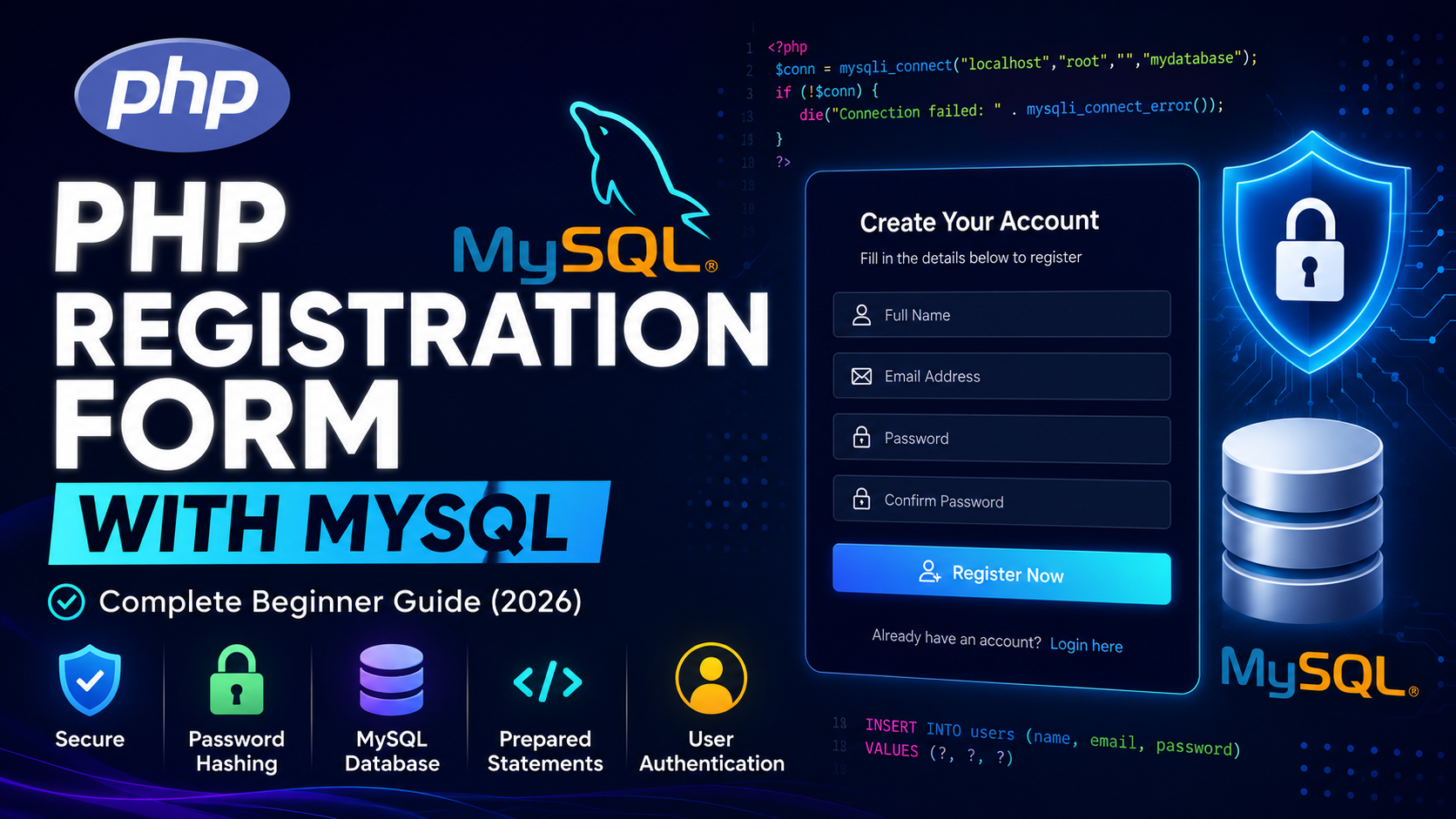
Creating a PHP Registration Form with MySQL is one of the first practical projects every PHP developer should learn. Almost every web application, whether it is a blog, eCommerce website, CRM, or admin panel, requires a registration system that allows users to create an account securely.
In this guide, you’ll learn how to build a secure user registration system using PHP and MySQL. We’ll cover database creation, HTML forms, prepared statements, password hashing, validation, and security best practices.
Before continuing, make sure you understand how to connect PHP with MySQL. If you haven’t learned it yet, read our guide on
Table of Contents
- What is PHP Registration Form?
- Why Use User Registration?
- Requirements
- Create Database
- Create Users Table
- Create Registration Form
- Connect PHP with MySQL
- Save User Data
- Password Hashing
- Prevent Duplicate Users
- Validation
- Best Practices
- Common Mistakes
- FAQs
- Continue Learning
What is a PHP Registration Form?
A PHP Registration Form is a web form that collects user information such as:
- Full Name
- Email Address
- Password
The information is validated and then stored securely in a MySQL database.
Why Use a Registration System?
A registration system allows users to:
- Create an account
- Save personal information
- Access protected pages
- Login securely
- Manage profiles
After users register successfully, they can sign in using a
Requirements
Before starting, you should know:
Create Database
CREATE DATABASE mydatabase;Create Users Table
CREATE TABLE users (
id INT AUTO_INCREMENT PRIMARY KEY,
name VARCHAR(100),
email VARCHAR(150) UNIQUE,
password VARCHAR(255),
created_at TIMESTAMP DEFAULT CURRENT_TIMESTAMP
);
The password column uses 255 characters because hashed passwords are much longer than plain-text passwords.
Database Connection
<?php

$conn = new mysqli("localhost","root","","mydatabase");

if($conn->connect_error){

die("Connection Failed");

}

?>
Create HTML Registration Form
<form method="POST">

<input
type="text"
name="name"
placeholder="Full Name"
required>

<input
type="email"
name="email"
placeholder="Email Address"
required>

<input
type="password"
name="password"
placeholder="Password"
required>

<button type="submit">

Register

</button>

</form>
This form sends user data to PHP using the POST method.
Save User Data into MySQL
Instead of writing a normal SQL query, use prepared statements to prevent SQL Injection.
<?php

if($_SERVER["REQUEST_METHOD"]=="POST"){

$name=trim($_POST["name"]);

$email=trim($_POST["email"]);

$password=password_hash($_POST["password"],PASSWORD_DEFAULT);

$stmt=$conn->prepare("INSERT INTO users(name,email,password) VALUES(?,?,?)");

$stmt->bind_param("sss",$name,$email,$password);

if($stmt->execute()){

echo "Registration Successful";

}else{

echo "Registration Failed";

}

$stmt->close();

}

?>
If you are new to inserting records into MySQL, read our tutorial on <a href=”/article/php-insert-data-into-mysql-using-php-complete-beginner-guide-2026″>PHP INSERT Data into MySQL</a>.
Prevent Duplicate Email Addresses
A user should not be able to register twice with the same email address.
$stmt=$conn->prepare("SELECT id FROM users WHERE email=?");

$stmt->bind_param("s",$email);

$stmt->execute();

$result=$stmt->get_result();

if($result->num_rows>0){

echo "Email already exists.";

}
Password Hashing
Never store passwords in plain text.
$password=password_hash($password,PASSWORD_DEFAULT);Later, during login, verify the password using:
password_verify($password,$hashedPassword);Validate User Input
Before saving data:
- Remove unnecessary spaces.
- Validate the email address.
- Check password length.
- Reject empty fields.
- Display meaningful error messages.
Security Best Practices
- Always use prepared statements.
- Store hashed passwords only.
- Validate user input.
- Use HTTPS.
- Limit registration attempts.
- Verify email addresses if possible.
Common Mistakes
- Saving plain-text passwords.
- Forgetting UNIQUE on email.
- Using direct SQL queries.
- Not validating user input.
- Displaying database errors publicly.
Real-World Example
When a visitor creates an account on an online shopping website, the registration form stores their details in the database. After registration, the user can log in, place orders, manage addresses, and update their profile. This workflow is used by most modern websites and web applications.
Conclusion
A secure PHP Registration Form with MySQL is an essential part of user authentication. By using password hashing, prepared statements, and proper validation, you can create a registration system that is secure, reliable, and suitable for real-world applications.
Frequently Asked Questions
What is a PHP Registration Form?
A PHP Registration Form collects user information and stores it securely in a MySQL database.
Why should I use password_hash()?
It encrypts passwords using modern hashing algorithms, making stored passwords much more secure.
Why use prepared statements?
Prepared statements help prevent SQL injection attacks by separating SQL logic from user input.
Can I register users using usernames instead of email addresses?
Yes. Depending on your application’s requirements, you can use usernames, email addresses, or both.
What should I learn after creating a registration form?
The next step is learning how to build a secure PHP Login System and manage user sessions.