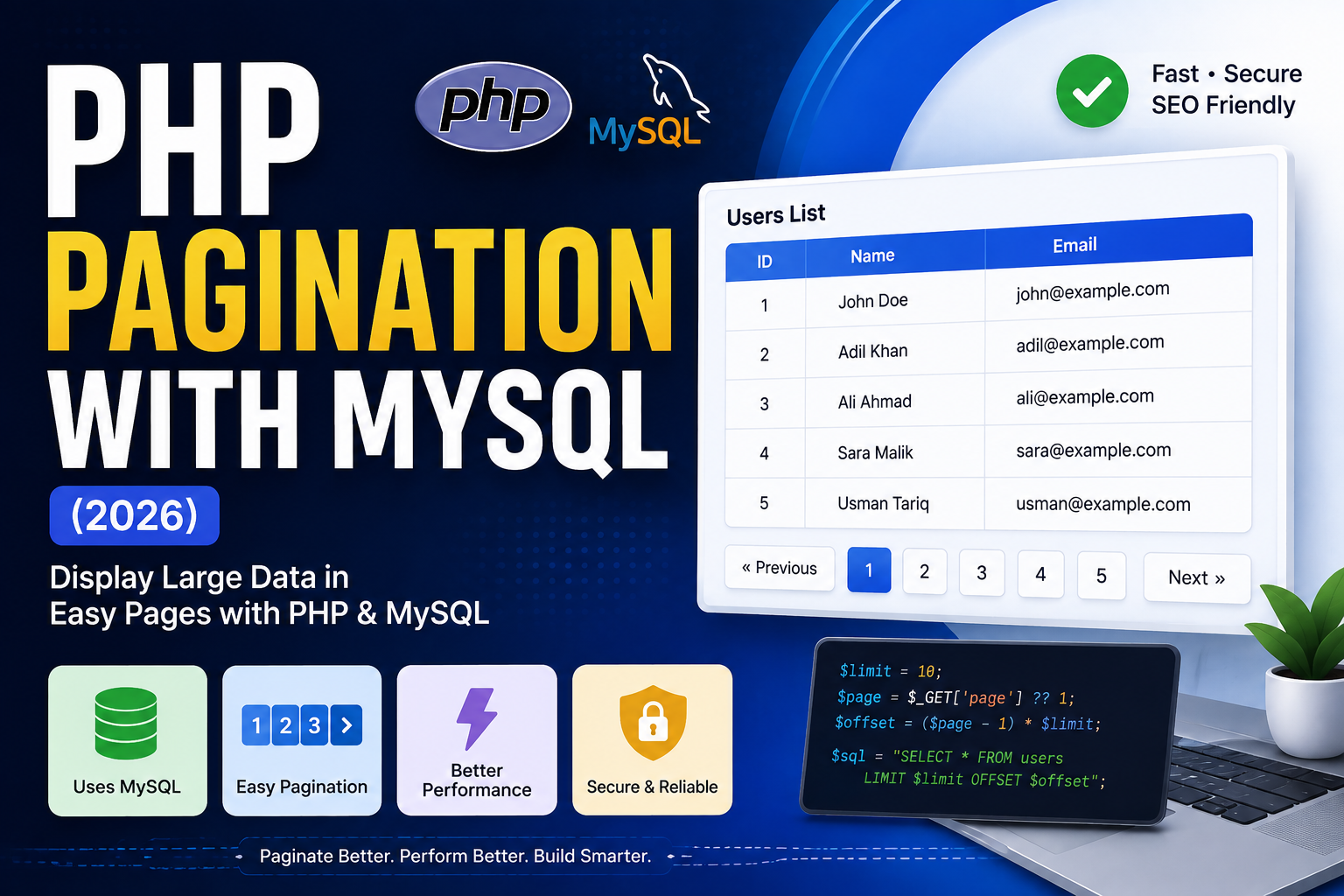
PHP Pagination with MySQL (2026)
When a database contains hundreds or thousands of records, displaying everything on a single page is not a good idea. It slows down your website and provides a poor user experience.
Pagination solves this problem by displaying records in small groups, such as 10, 20, or 50 records per page.
In this tutorial, you’ll learn how to create PHP Pagination with MySQL using PHP 8.x and MySQL.
Read this also : PHP CRUD Application Using MySQL (Complete Project for Beginners 2026)
What is Pagination?
Pagination is the process of splitting a large number of records into multiple pages.
Instead of showing 500 records on one page, pagination displays:
- Page 1 → Records 1–10
- Page 2 → Records 11–20
- Page 3 → Records 21–30
This makes your website faster and easier to navigate.
Project Structure
pagination-project/
│
├── db.php
├── index.php
└── database.sql
Step 1: Create Database
CREATE DATABASE pagination_db;
Use the database:
USE pagination_db;
Create a table:
CREATE TABLE users (
    id INT AUTO_INCREMENT PRIMARY KEY,
    name VARCHAR(100),
    email VARCHAR(100)
);
Insert sample data:
INSERT INTO users(name,email)
VALUES
('John','john@example.com'),
('Adil','adil@example.com'),
('Ali','ali@example.com'),
('Sara','sara@example.com');
(Add more records for testing.)
Step 2: Database Connection (db.php)
<?php

$conn = mysqli_connect(
    "localhost",
    "root",
    "",
    "pagination_db"
);

if(!$conn){
    die("Connection Failed");
}

?>
Step 3: Set Records Per Page
$records_per_page = 10;
Each page will display 10 records.
Step 4: Get Current Page
$page = isset($_GET['page'])
    ? (int)$_GET['page']
    : 1;

if($page < 1){
    $page = 1;
}
Step 5: Calculate OFFSET
$offset =
($page - 1) * $records_per_page;
Example
| Page | Offset |
|---|---|
| 1 | 0 |
| 2 | 10 |
| 3 | 20 |
| 4 | 30 |
Step 6: Fetch Records
$sql = "SELECT *
FROM users
LIMIT $records_per_page
OFFSET $offset";

$result = mysqli_query($conn,$sql);
Step 7: Display Records
while($row=mysqli_fetch_assoc($result))
{
?>

<h3><?php echo $row['name']; ?></h3>

<p><?php echo $row['email']; ?></p>

<hr>

<?php
}
?>
Step 8: Count Total Records
$total_sql =
"SELECT COUNT(*) AS total
FROM users";

$total_result =
mysqli_query($conn,$total_sql);

$total =
mysqli_fetch_assoc($total_result)['total'];
Step 9: Calculate Total Pages
$total_pages =
ceil($total/$records_per_page);
If there are:
- 100 records
- 10 records/page
Total pages = 10
Step 10: Create Pagination Links
for($i=1;$i<=$total_pages;$i++)
{

echo "<a href='?page=$i'>
$i
</a> ";

}
Output:
1 2 3 4 5 6 7 8
Previous Button
if($page>1){

echo "<a href='?page=".($page-1)."'>
Previous
</a>";

}
Next Button
if($page<$total_pages){

echo "<a href='?page=".($page+1)."'>
Next
</a>";

}
Highlight Active Page
for($i=1;$i<=$total_pages;$i++)
{

$class =
($i==$page)
? "active"
: "";

echo "<a
class='$class'
href='?page=$i'>
$i
</a>";

}
CSS:
.active{
background:#007bff;
color:white;
padding:8px 12px;
text-decoration:none;
border-radius:4px;
}
Complete Pagination Example
$page = isset($_GET['page']) ? (int)$_GET['page'] : 1;

$limit = 10;

$offset = ($page - 1) * $limit;

$data = mysqli_query(
$conn,
"SELECT * FROM users
LIMIT $limit
OFFSET $offset"
);

while($row=mysqli_fetch_assoc($data))
{

echo $row['name']."<br>";

}
Why Use Pagination?
- Faster page loading
- Better user experience
- Reduced server load
- Improved database performance
- Easier navigation
- Better SEO for large content websites
Common Mistakes
Forgetting LIMIT
Without LIMIT, all records are fetched.
Wrong OFFSET
Always calculate:
($page - 1) * $limit
Not Validating Page Number
Always ensure:
$page = max(1, (int)$page);
Best Practices
- Use
LIMITandOFFSET. - Validate page numbers.
- Use indexes on frequently queried columns.
- Display Previous and Next buttons.
- Highlight the active page.
- Use prepared statements when filtering with user input.
- Keep URLs clean and SEO-friendly.
FAQs
What is LIMIT?
LIMIT restricts the number of rows returned by a MySQL query.
What is OFFSET?
OFFSET tells MySQL how many records to skip before returning results.
Can Pagination Improve Website Speed?
Yes. Loading only a small number of records reduces database load and speeds up page rendering.
Can I Use Pagination with Search?
Yes. Combine the search query with LIMIT and OFFSET to paginate filtered results.
Conclusion
Pagination is an essential feature for any PHP application that displays large amounts of data. By combining LIMIT and OFFSET, you can create fast, user-friendly, and SEO-friendly pages that scale well as your database grows. Whether you’re building a blog, admin panel, eCommerce website, or CRM, pagination is a must-have feature.