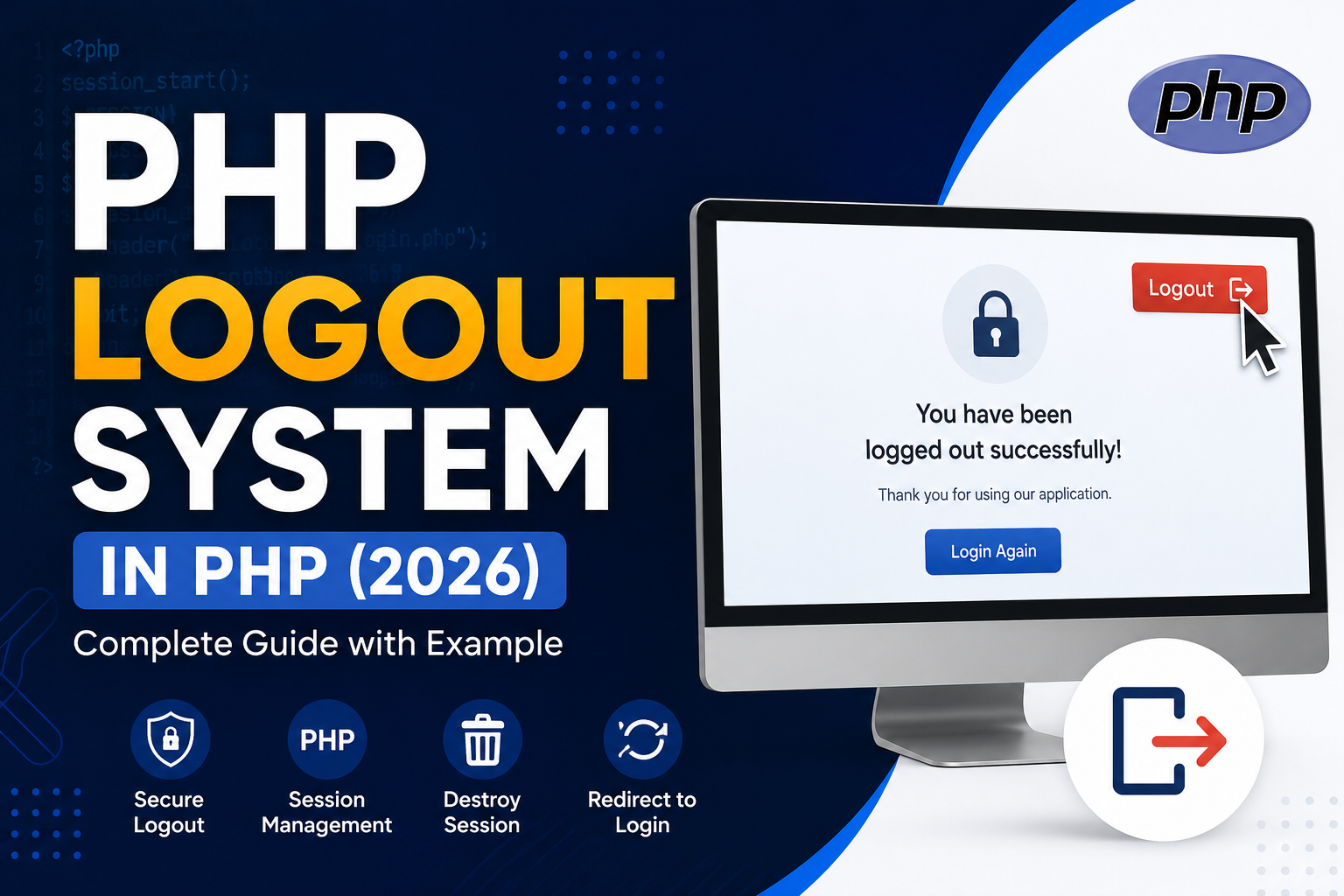
A Logout System is one of the most important features of any PHP login application. It allows users to safely end their session and prevents unauthorized access after they leave the website.
In this tutorial, you’ll learn how to create a secure PHP Logout System using PHP Sessions. This guide is written for beginners and works with PHP 8.x, making it suitable for modern web applications in 2026.
What is a PHP Logout System?
A PHP Logout System removes the user’s active session and logs them out of the website.
When a user logs in, PHP stores information in a session. When the user clicks the Logout button, PHP deletes the session and redirects them to the login page.
How PHP Logout Works
The logout process is simple:
- User logs into the website.
- PHP creates a session.
- User clicks the Logout button.
- PHP destroys the session.
- User is redirected to the login page.
Read this also : PHP Registration Form with MySQL – Complete Beginner Guide
Project Structure
project/
│
├── login.php
├── dashboard.php
├── logout.php
└── index.php
Step 1: Start Session
Every page that uses sessions should begin with:
<?php
session_start();
?>
Step 2: Create Login Session
Example:
<?php
session_start();

$_SESSION['user_id'] = 1;
$_SESSION['username'] = "Adil";

echo "Login Successful";
?>
Now the user is logged in.
Step 3: Create Dashboard
<?php
session_start();

if(!isset($_SESSION['user_id'])){
    header("Location: login.php");
    exit;
}

echo "Welcome " . $_SESSION['username'];
?>

<br><br>

<a href="logout.php">Logout</a>
If the user isn’t logged in, they are redirected to the login page.
Step 4: Create logout.php
This is the most important file.
<?php
session_start();

$_SESSION = [];

session_unset();

session_destroy();

header("Location: login.php");
exit;
?>
This script:
- Starts the session
- Removes all session variables
- Destroys the session
- Redirects the user
Better Security (Recommended)
For improved security, also remove the session cookie.
<?php
session_start();

$_SESSION = [];

if (ini_get("session.use_cookies")) {

    $params = session_get_cookie_params();

    setcookie(
        session_name(),
        '',
        time() - 42000,
        $params["path"],
        $params["domain"],
        $params["secure"],
        $params["httponly"]
    );
}

session_destroy();

header("Location: login.php");
exit;
?>
This is the recommended logout method for production websites.
Protect Every Private Page
Always verify that the user is logged in.
<?php
session_start();

if(!isset($_SESSION['user_id'])){
    header("Location: login.php");
    exit;
}
?>
Never rely only on hiding menu items.
Logout Button Example
Using HTML:
<a href="logout.php">Logout</a>
Or Bootstrap:
<a href="logout.php" class="btn btn-danger">
    Logout
</a>
Common Mistakes
Forgetting session_start()
Without it, PHP cannot access the current session.
Destroying Session After Output
This is incorrect:
echo "Logging out...";

session_destroy();
Redirects may fail because output has already been sent.
Not Using exit
Always write:
header("Location: login.php");
exit;
This prevents the rest of the script from executing.
Best Practices
- Use PHP Sessions instead of cookies for authentication.
- Destroy the session completely.
- Redirect users after logout.
- Protect all dashboard pages.
- Regenerate session IDs after login using
session_regenerate_id(true);. - Use HTTPS on production websites.
- Never store passwords in sessions.
Frequently Asked Questions (FAQs)
What does session_destroy() do?
It destroys the current session stored on the server.
Is session_unset() enough?
No. It removes session variables but doesn’t destroy the session itself. For a complete logout, use both session_unset() (or clear $_SESSION) and session_destroy().
Can users press the browser Back button after logout?
If protected pages check the session properly, users cannot access them even if they use the Back button.
Does logout delete user data?
No. It only ends the current login session. User information in the database remains unchanged.
Conclusion
A secure logout system is essential for every PHP application. By using sessions, clearing session data, destroying the session, deleting the session cookie, and redirecting the user, you can ensure that accounts remain protected against unauthorized access.
Whether you’re building a login system, admin panel, eCommerce website, or CRM, implementing logout correctly is just as important as implementing login.