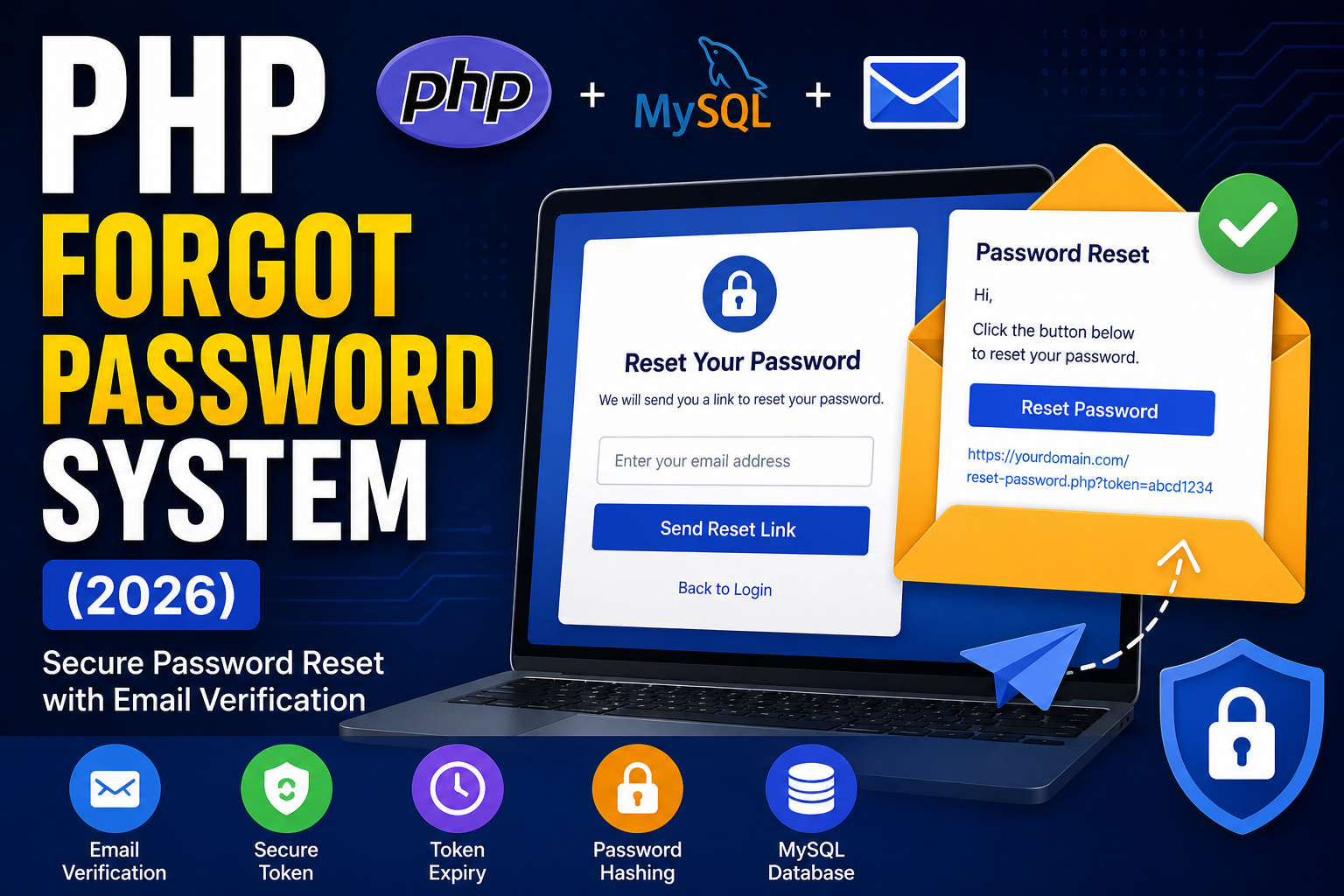
PHP Forgot Password System (2026)
A Forgot Password System allows users to securely reset their password when they forget it. Instead of revealing the old password, the system sends a secure password reset link to the user’s registered email address.
In this tutorial, you’ll learn how to build a PHP Forgot Password System using PHP 8.x and MySQL with password reset tokens and secure password hashing.
Read this also : PHP Logout System in PHP (2026) – Complete Beginner Guide with Example
What You’ll Learn
- Create a Forgot Password form
- Verify the user’s email
- Generate a secure reset token
- Store the reset token in MySQL
- Send a password reset link
- Reset the password securely
- Hash passwords using
password_hash()
How the Forgot Password System Works
- User clicks Forgot Password.
- User enters their registered email.
- PHP checks whether the email exists.
- A unique reset token is generated.
- The token is saved in the database.
- A reset link is emailed to the user.
- The user opens the link and enters a new password.
- PHP updates the password and removes the token.
Project Structure
forgot-password/
│
├── db.php
├── forgot-password.php
├── send-reset.php
├── reset-password.php
├── update-password.php
└── login.php
Step 1: Create Database
CREATE DATABASE login_system;
Create users table:
CREATE TABLE users (

id INT AUTO_INCREMENT PRIMARY KEY,

name VARCHAR(100),

email VARCHAR(150) UNIQUE,

password VARCHAR(255),

reset_token VARCHAR(255),

token_expire DATETIME

);
Step 2: Database Connection
<?php

$conn=mysqli_connect(
"localhost",
"root",
"",
"login_system"
);

if(!$conn){

die("Connection Failed");

}

?>
Step 3: Forgot Password Form
<form action="send-reset.php" method="POST">

<input
type="email"
name="email"
placeholder="Enter Email"
required>

<button type="submit">
Send Reset Link
</button>

</form>
Step 4: Verify Email
$email=$_POST['email'];

$result=mysqli_query(
$conn,
"SELECT * FROM users
WHERE email='$email'"
);

if(mysqli_num_rows($result)==0){

die("Email Not Found");

}
Step 5: Generate Reset Token
$token=bin2hex(random_bytes(32));

$expire=date(
"Y-m-d H:i:s",
strtotime("+1 hour")
);
The reset link will remain valid for 1 hour.
Step 6: Save Token
mysqli_query(
$conn,

"UPDATE users

SET

reset_token='$token',

token_expire='$expire'

WHERE email='$email'"
);
Step 7: Send Reset Email
$link="https://example.com/reset-password.php?token=".$token;

mail(

$email,

"Password Reset",

"Click Here:\n".$link

);
Note: For production websites, use PHPMailer with SMTP instead of PHP’s basic mail() function.
Step 8: Verify Token
$token=$_GET['token'];

$result=mysqli_query(

$conn,

"SELECT *

FROM users

WHERE

reset_token='$token'

AND

token_expire>NOW()"

);

if(mysqli_num_rows($result)==0){

die("Invalid or Expired Link");

}
Step 9: Reset Password Form
<form action="update-password.php" method="POST">

<input
type="hidden"
name="token"
value="<?php echo $token; ?>">

<input
type="password"
name="password"
placeholder="New Password"
required>

<button type="submit">

Update Password

</button>

</form>
Step 10: Update Password
$password=password_hash(

$_POST['password'],

PASSWORD_DEFAULT

);

$token=$_POST['token'];

mysqli_query(

$conn,

"UPDATE users

SET

password='$password',

reset_token=NULL,

token_expire=NULL

WHERE reset_token='$token'"

);

echo "Password Updated Successfully.";
Why Use password_hash()?
Never store plain text passwords.
Use:
password_hash($password,PASSWORD_DEFAULT);
During login, verify using:
password_verify($password,$hash);
Common Errors
Reset Link Expired
Always set an expiration time for reset tokens.
Email Not Sending
Local servers like XAMPP usually don’t send emails by default. Configure SMTP or use PHPMailer.
Invalid Token
Ensure the token matches the database and has not expired.
Plain Password Storage
Never save passwords without hashing.
Best Practices
- Use
random_bytes()for secure tokens. - Expire reset links after 30–60 minutes.
- Hash passwords with
password_hash(). - Delete the reset token after successful password reset.
- Use HTTPS in production.
- Send reset emails via SMTP (PHPMailer).
- Limit repeated reset requests to reduce abuse.
- Log password reset attempts for security monitoring.
FAQs
Why use a reset token?
A reset token verifies that the password reset request is legitimate and prevents unauthorized users from changing passwords.
How long should a reset link remain valid?
A validity period of 30 to 60 minutes is commonly recommended.
Can I use mail() instead of PHPMailer?
Yes, but for production websites, PHPMailer with SMTP is more reliable and secure.
Should I store the token forever?
No. Delete the token immediately after the password is successfully updated.
Conclusion
A secure Forgot Password System is an essential part of any login application. By using reset tokens, password hashing, and email verification, you can protect user accounts while providing a simple way for users to recover access. Always follow modern security practices and avoid storing plain-text passwords.
SEO Keywords
- PHP Forgot Password System
- Forgot Password in PHP
- PHP Password Reset
- PHP Reset Password Tutorial
- PHP Login System
- PHP Password Hashing
- PHP Email Verification
- PHPMailer Password Reset
- PHP MySQL Authentication
- PHP Forgot Password 2026