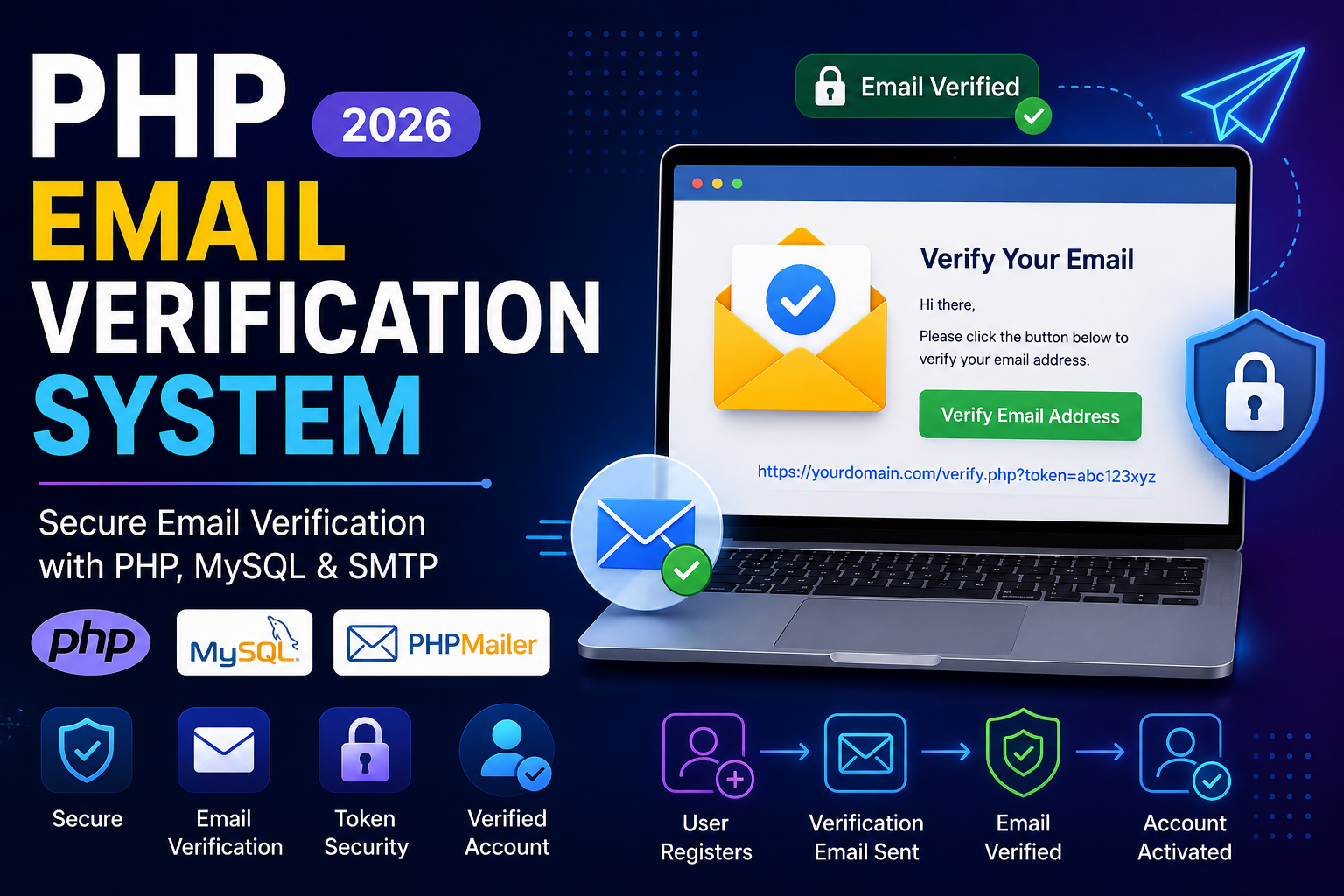
PHP Email Verification System (2026)
Email verification is an essential feature in modern web applications. It confirms that the email address provided by a user is valid and belongs to them before granting full access to the application.
Without email verification, users can register using fake or incorrect email addresses, making it difficult to communicate with them and increasing the risk of spam accounts.
In this tutorial, you’ll learn how to create a secure Email Verification System using PHP, MySQL, PHPMailer, and SMTP.
What is Email Verification?
Email verification is the process of sending a unique verification link to a user’s email address after registration.
When the user clicks the link:
- The verification token is checked.
- The account is marked as verified.
- The user can then log in and access protected features.
Read this also : PHP Login System with MySQL – Complete Beginner Guide (2026)
Why Use Email Verification?
Implementing email verification provides several benefits:
- Prevents fake registrations
- Confirms ownership of email addresses
- Improves account security
- Reduces spam and bot accounts
- Enables password recovery
- Increases user trust
Prerequisites
Before starting, make sure you have:
- PHP 8+
- MySQL
- PHPMailer
- SMTP account (Gmail, Outlook, SendGrid, Mailtrap, etc.)
- Apache or Nginx
- XAMPP, WAMP, Laragon, or a live hosting server
Database Structure
Create the following users table.
CREATE TABLE users (
    id INT AUTO_INCREMENT PRIMARY KEY,
    name VARCHAR(100),
    email VARCHAR(150) UNIQUE,
    password VARCHAR(255),
    verification_token VARCHAR(255),
    email_verified TINYINT(1) DEFAULT 0,
    created_at TIMESTAMP DEFAULT CURRENT_TIMESTAMP
);
Registration Form
<form action="register.php" method="POST">

<input type="text" name="name" placeholder="Full Name" required>

<input type="email" name="email" placeholder="Email Address" required>

<input type="password" name="password" placeholder="Password" required>

<button type="submit">
Create Account
</button>

</form>
Database Connection
<?php

$conn = new mysqli("localhost","root","","test");

if($conn->connect_error){
    die("Connection Failed");
}

?>
Register User
When a user registers:
- Hash the password.
- Generate a secure verification token.
- Save the token in the database.
- Send a verification email.
$password = password_hash($_POST['password'], PASSWORD_DEFAULT);

$token = bin2hex(random_bytes(32));

$sql = "INSERT INTO users
(name,email,password,verification_token)
VALUES
('$name','$email','$password','$token')";
Install PHPMailer
Using Composer:
composer require phpmailer/phpmailerOr download it manually from the official GitHub repository.
Send Verification Email
use PHPMailer\PHPMailer\PHPMailer;

$mail = new PHPMailer(true);

$mail->isSMTP();

$mail->Host = "smtp.gmail.com";

$mail->SMTPAuth = true;

$mail->Username = "your-email@gmail.com";

$mail->Password = "your-app-password";

$mail->SMTPSecure = PHPMailer::ENCRYPTION_STARTTLS;

$mail->Port = 587;

$mail->setFrom("your-email@gmail.com","My Website");

$mail->addAddress($email);

$link = "https://example.com/verify.php?token=".$token;

$mail->Subject = "Verify Your Email";

$mail->Body = "Click the link below to verify your email:\n\n".$link;

$mail->send();
Verification Link
The email contains a secure URL such as:
https://example.com/verify.php?token=4fd9ab3e85......Each token is unique for every user.
Verify the Email
Create verify.php.
<?php

include 'db.php';

$token = $_GET['token'];

$result = $conn->query("SELECT * FROM users WHERE verification_token='$token'");

if($result->num_rows){

$conn->query("
UPDATE users
SET email_verified=1,
verification_token=NULL
WHERE verification_token='$token'
");

echo "Email verified successfully.";

}else{

echo "Invalid or expired verification link.";

}

?>
Prevent Login Until Email is Verified
Before allowing login:
if($user['email_verified']==0){

echo "Please verify your email first.";

exit;

}
Resend Verification Email
Provide a Resend Verification Email button for users who didn’t receive the email.
The process:
- Generate a new token
- Update the database
- Send another verification email
- Expire the old token
Security Best Practices
Always follow these recommendations:
- Use
password_hash()for passwords - Generate tokens using
random_bytes() - Use HTTPS
- Expire verification tokens after 24 hours
- Remove tokens after successful verification
- Validate all user input
- Use prepared statements instead of raw SQL
- Enable SMTP encryption (TLS or SSL)
- Rate-limit verification requests
Email Verification Workflow
User Registers
      │
      ▼
Generate Verification Token
      │
      ▼
Save Token in Database
      │
      ▼
Send Verification Email
      │
      ▼
User Clicks Verification Link
      │
      ▼
Verify Token
      │
      ▼
Mark Email as Verified
      │
      ▼
Allow User Login
Common Mistakes
Avoid these common errors:
- Storing plain-text passwords
- Using predictable verification tokens
- Not removing tokens after verification
- Allowing unverified users to log in
- Sending emails without SMTP encryption
- Using SQL queries without prepared statements
Advantages
A secure Email Verification System provides:
- Better security
- Verified user accounts
- Lower spam registrations
- Improved password recovery
- Increased trust
- Professional user onboarding
Conclusion
Email verification is one of the most important features of any modern authentication system. By verifying user email addresses before granting access, you improve security, reduce fake accounts, and build a more reliable application.
Using PHP, MySQL, PHPMailer, and SMTP, you can implement a secure verification workflow that is suitable for production environments. Combine email verification with password hashing, HTTPS, prepared statements, and secure token generation to create a professional authentication system.
Frequently Asked Questions (FAQs)
1. Why should I verify user emails?
It confirms that users own the email addresses they register with and helps prevent fake accounts.
2. Which library should I use for sending emails in PHP?
PHPMailer is one of the most popular and reliable libraries for sending emails via SMTP.
3. Can I use Gmail SMTP?
Yes. Gmail SMTP works well, but you should use an App Password instead of your regular Gmail password.
4. Should verification tokens expire?
Yes. Tokens should ideally expire within 24 hours to improve security.
5. Can I allow users to log in before verification?
It is not recommended. Restrict login until the email address has been successfully verified.