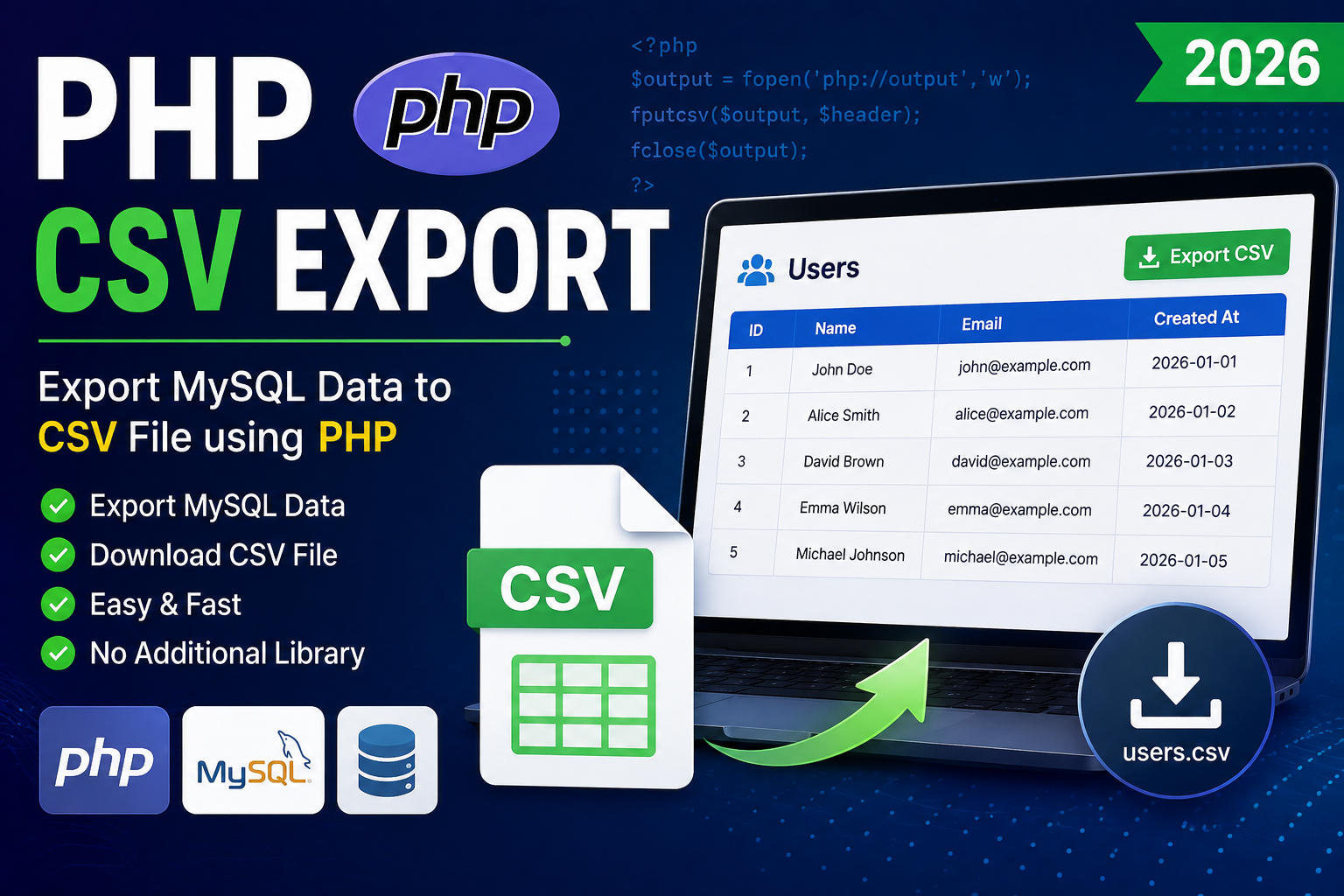
PHP CSV Export (2026)
Exporting data to a CSV (Comma-Separated Values) file is one of the most common features in web applications. Businesses use CSV exports for reports, backups, analytics, inventory management, and data migration.
PHP provides a simple and efficient way to generate CSV files directly from MySQL data without requiring any third-party library.
In this tutorial, you’ll learn how to export MySQL records to a CSV file using PHP.
What is CSV?
CSV stands for Comma-Separated Values.
It is a plain text file where each row represents a record and each value is separated by a comma.
Example:
ID,Name,Email
1,John,john@example.com
2,Alice,alice@example.com
3,David,david@example.com
CSV files can be opened using:
- Microsoft Excel
- Google Sheets
- LibreOffice Calc
- Apple Numbers
- Any text editor
Prerequisites
Before starting, make sure you have:
- PHP 8+
- MySQL
- Apache or Nginx
- XAMPP/WAMP/Laragon
- Basic PHP knowledge
Database Table
Create a sample table.
CREATE TABLE users (
    id INT AUTO_INCREMENT PRIMARY KEY,
    name VARCHAR(100),
    email VARCHAR(150),
    created_at TIMESTAMP DEFAULT CURRENT_TIMESTAMP
);
Sample Data
INSERT INTO users(name,email) VALUES
('John','john@example.com'),
('Alice','alice@example.com'),
('David','david@example.com');
Database Connection
<?php

$conn = new mysqli("localhost","root","","test");

if($conn->connect_error){
    die("Connection Failed");
}

?>
Export CSV Button
<a href="export.php">
    Export CSV
</a>
Export CSV File
Create export.php.
<?php

include 'db.php';

header('Content-Type: text/csv');
header('Content-Disposition: attachment; filename="users.csv"');

$output = fopen('php://output', 'w');

fputcsv($output, ['ID','Name','Email','Created At']);

$result = $conn->query("SELECT * FROM users");

while($row = $result->fetch_assoc()){

    fputcsv($output, [
        $row['id'],
        $row['name'],
        $row['email'],
        $row['created_at']
    ]);

}

fclose($output);

exit;

?>
Output
When the user clicks Export CSV, the browser automatically downloads:
users.csvExample content:
ID,Name,Email,Created At
1,John,john@example.com,2026-01-01
2,Alice,alice@example.com,2026-01-02
3,David,david@example.com,2026-01-03
Export Selected Columns
Instead of exporting all columns:
SELECT name,email FROM usersExport Filtered Records
Export only active users.
SELECT * FROM users
WHERE status='Active'
Export with Date Filter
SELECT *
FROM users
WHERE created_at
BETWEEN '2026-01-01'
AND '2026-12-31'
Change File Name
header(
'Content-Disposition: attachment; filename="report.csv"'
);
Security Best Practices
When exporting CSV files:
- Validate user permissions before exporting.
- Export only authorized data.
- Use prepared statements for filtered queries.
- Escape user input.
- Log export activity if required.
- Avoid exposing sensitive information such as passwords or API keys.
CSV Export Workflow
User Clicks Export
        │
        ▼
Fetch Data from MySQL
        │
        ▼
Generate CSV Headers
        │
        ▼
Write Rows using fputcsv()
        │
        ▼
Send Download Headers
        │
        ▼
CSV File Download Starts
Common Mistakes
Avoid these mistakes:
- Printing HTML before CSV headers
- Forgetting
exit()after download - Exporting passwords
- Missing column headers
- Incorrect content type
- Not checking user permissions
Advantages of CSV Export
- Fast and lightweight
- Compatible with Excel and Google Sheets
- Easy data migration
- Simple reporting
- No external library required
- Easy backup solution
Conclusion
PHP makes it incredibly easy to export MySQL data to CSV using the built-in fputcsv() function. With just a few lines of code, you can generate downloadable reports compatible with Excel, Google Sheets, and other spreadsheet applications.
For production applications, always validate user permissions, protect sensitive information, and use secure database queries to ensure safe and reliable CSV exports.
Frequently Asked Questions (FAQs)
1. What is the best function for creating CSV files in PHP?
The built-in fputcsv() function is the recommended and easiest way to generate CSV files.
2. Can I open CSV files in Microsoft Excel?
Yes. CSV files are fully supported by Microsoft Excel, Google Sheets, LibreOffice Calc, and many other spreadsheet applications.
3. Can I export filtered records?
Yes. Simply modify your SQL query using WHERE conditions before generating the CSV.
4. Is a CSV export faster than exporting to Excel?
Yes. CSV files are lightweight and generally faster to generate because they contain plain text without formatting.
5. Can I export millions of records?
Yes, but for very large datasets you should stream the output in chunks and optimize memory usage instead of loading all records into memory.