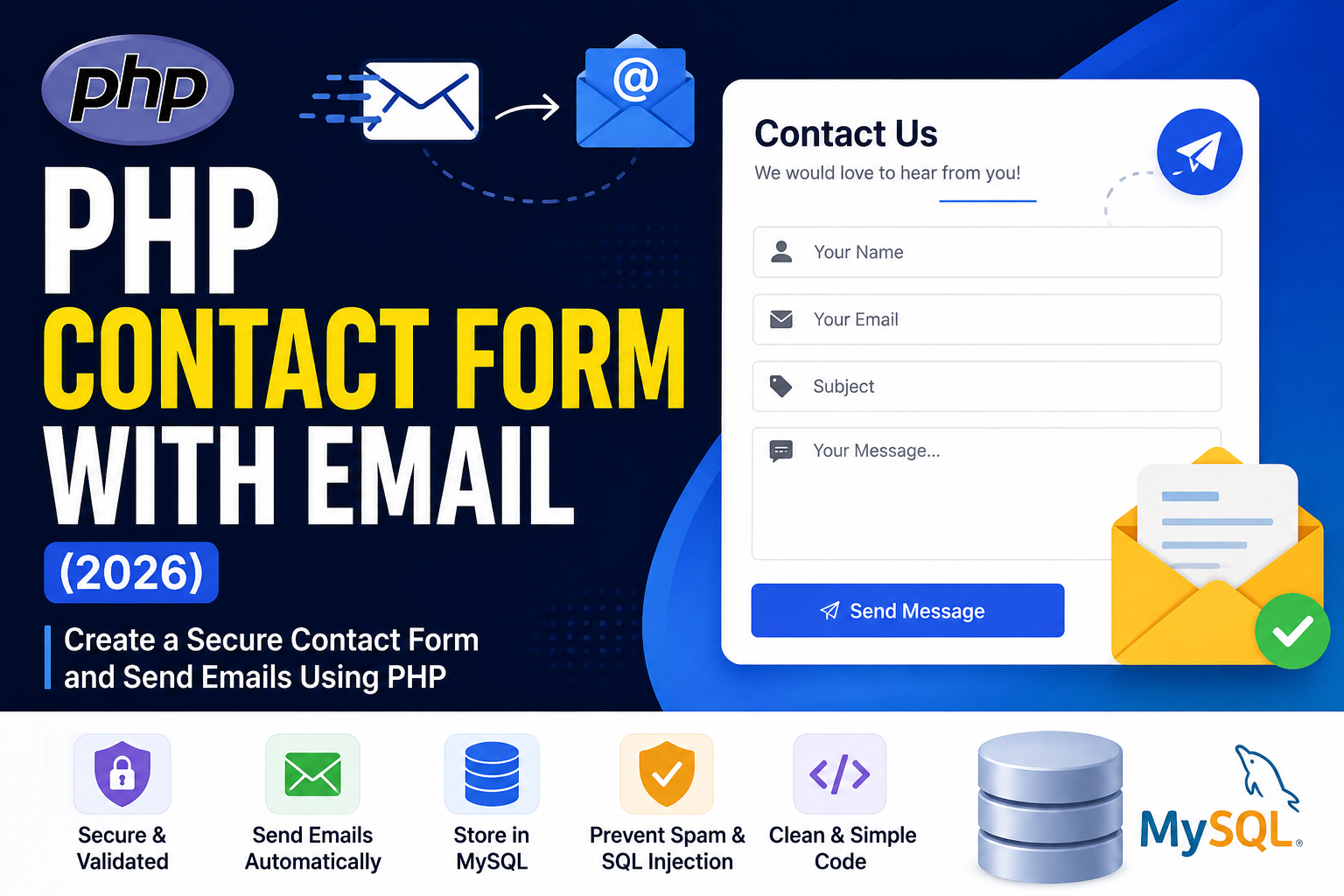
PHP Contact Form with Email (2026)
A Contact Form is one of the most important features of any website. It allows visitors to send inquiries, feedback, support requests, or business messages directly to your email.
In this tutorial, you’ll learn how to create a PHP Contact Form with Email using PHP 8.x. We’ll build a beginner-friendly contact form, validate user input, send emails, and discuss security best practices.
Read this also : PHP Sessions Explained with Examples (Beginner Guide 2026)
What You’ll Learn
- Create an HTML contact form
- Receive user input in PHP
- Validate form fields
- Send emails using PHP
- Save contact messages in MySQL (Optional)
- Protect against spam and malicious input
Project Structure
contact-form/
│
├── index.php
├── send.php
├── db.php (Optional)
├── style.css
└── database.sql (Optional)
Step 1: Create the Contact Form
Create index.php:
<!DOCTYPE html>
<html>
<head>
<title>PHP Contact Form</title>
</head>

<body>

<h2>Contact Us</h2>

<form action="send.php" method="POST">

<input
type="text"
name="name"
placeholder="Your Name"
required>

<br><br>

<input
type="email"
name="email"
placeholder="Your Email"
required>

<br><br>

<input
type="text"
name="subject"
placeholder="Subject"
required>

<br><br>

<textarea
name="message"
placeholder="Write your message"
rows="6"
required></textarea>

<br><br>

<button type="submit">
Send Message
</button>

</form>

</body>
</html>
Step 2: Receive Form Data
Create send.php:
<?php

$name = trim($_POST['name']);
$email = trim($_POST['email']);
$subject = trim($_POST['subject']);
$message = trim($_POST['message']);

?>
Step 3: Validate Input
Always validate user data before processing.
<?php

if(
empty($name) ||
empty($email) ||
empty($subject) ||
empty($message)
){

die("All fields are required.");

}

if(!filter_var($email,FILTER_VALIDATE_EMAIL)){

die("Invalid Email Address.");

}

?>
Step 4: Send Email
<?php

$to = "your@email.com";

$headers =
"From: $email";

$body =
"Name: $name\n\n".
"Email: $email\n\n".
"Message:\n$message";

if(mail(
$to,
$subject,
$body,
$headers
)){

echo "Message Sent Successfully.";

}else{

echo "Email Sending Failed.";

}

?>
Replace:
your@email.com
with your actual email address.
Step 5 (Optional): Save Messages in MySQL
Create Database:
CREATE DATABASE contact_db;
Create Table:
CREATE TABLE contacts(

id INT AUTO_INCREMENT PRIMARY KEY,

name VARCHAR(100),

email VARCHAR(150),

subject VARCHAR(200),

message TEXT,

created_at TIMESTAMP DEFAULT CURRENT_TIMESTAMP

);
Database Connection (db.php):
<?php

$conn = mysqli_connect(
"localhost",
"root",
"",
"contact_db"
);

if(!$conn){

die("Connection Failed");

}

?>
Insert Contact Message:
<?php

include "db.php";

$sql = "INSERT INTO contacts(
name,
email,
subject,
message
)

VALUES(
'$name',
'$email',
'$subject',
'$message'
)";

mysqli_query($conn,$sql);

?>
Complete Contact Form Flow
- User fills the contact form.
- PHP validates input.
- Email is sent.
- Message is optionally stored in MySQL.
- Success message is displayed.
Improve Security with Prepared Statements
Instead of:
$sql = "INSERT INTO contacts VALUES(...)";
Use:
$stmt = mysqli_prepare(
$conn,
"INSERT INTO contacts(name,email,subject,message)
VALUES(?,?,?,?)"
);

mysqli_stmt_bind_param(
$stmt,
"ssss",
$name,
$email,
$subject,
$message
);

mysqli_stmt_execute($stmt);
Prepared statements help prevent SQL injection.
Improve Email Headers
$headers =
"From: Website Contact Form\r\n";

$headers .=
"Reply-To: ".$email."\r\n";

$headers .=
"MIME-Version: 1.0\r\n";

$headers .=
"Content-Type:text/plain;charset=UTF-8";
Add Success Message
echo "<h3>
Thank you!

Your message has been sent successfully.

</h3>";
Common Errors
mail() Not Working
Possible reasons:
- Mail server not configured
- Localhost doesn’t support email
- SMTP settings missing
For production websites, use PHPMailer with SMTP instead of the basic mail() function.
Empty Fields
Always validate user input before sending emails.
Invalid Email
Use:
filter_var($email,FILTER_VALIDATE_EMAIL)
SQL Injection
Never insert user input directly into SQL queries.
Best Practices
- Validate all fields.
- Use prepared statements.
- Escape HTML output.
- Limit message length.
- Add CAPTCHA for spam protection.
- Use SMTP (PHPMailer) in production.
- Store contact messages in the database for future reference.
- Display friendly success and error messages.
FAQs
Does PHP mail() work on localhost?
Usually, no. Local servers like XAMPP or WAMP require additional mail server configuration. For real projects, SMTP is recommended.
Which is better: mail() or PHPMailer?
PHPMailer is more secure, supports SMTP authentication, HTML emails, attachments, and works reliably with Gmail, Outlook, and other mail providers.
Can I Save Messages in MySQL?
Yes. Many websites save contact messages in the database so administrators can review them later.
Is CAPTCHA Necessary?
For public websites, yes. CAPTCHA helps reduce spam and automated bot submissions.
Conclusion
A PHP Contact Form is an essential feature for every website. By combining HTML forms, PHP validation, email functionality, and MySQL storage, you can build a professional communication system. For production environments, always use prepared statements, SMTP with PHPMailer, and CAPTCHA to ensure better security and reliability.