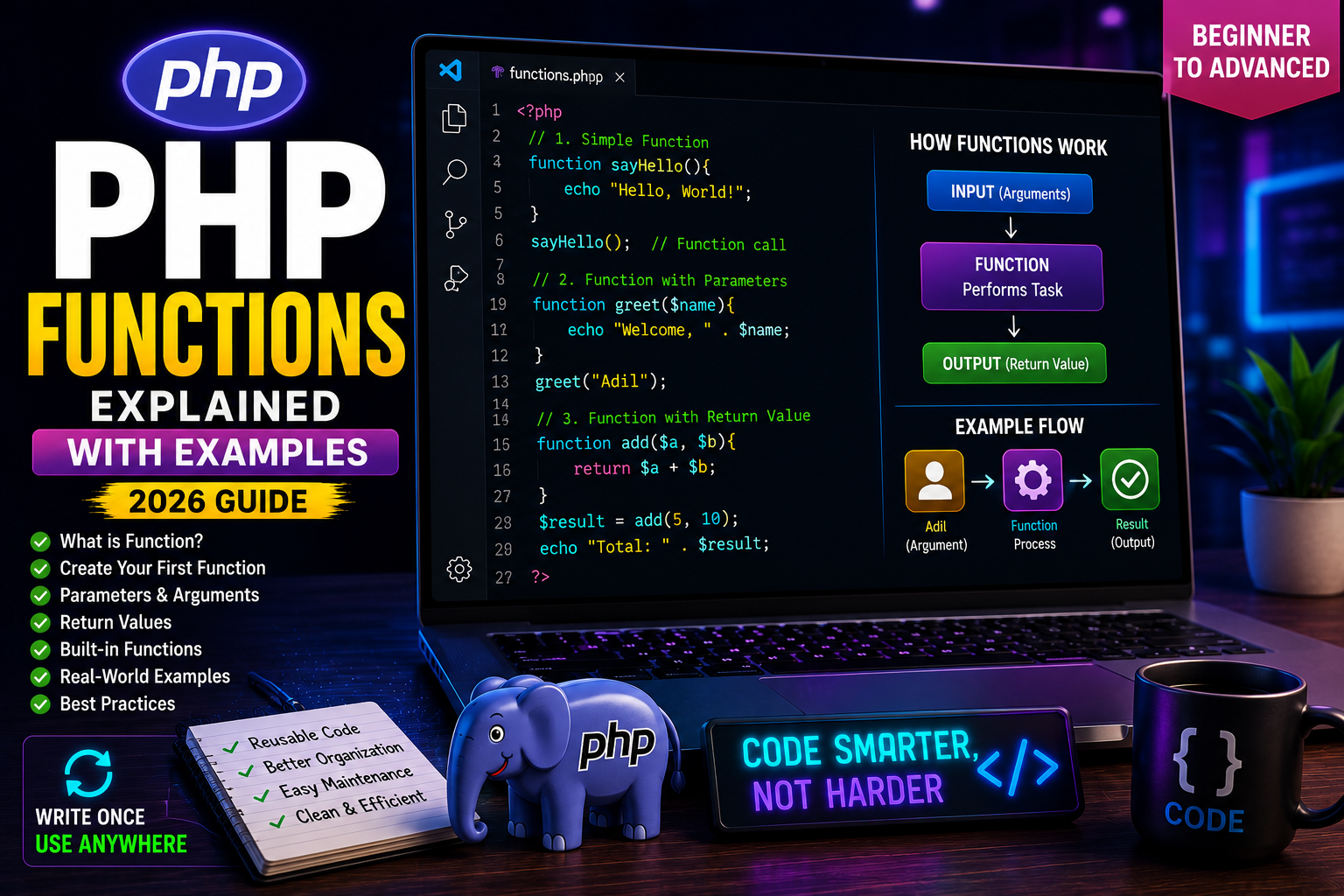
PHP Functions Explained
As your PHP programs grow larger, writing the same code repeatedly becomes difficult to manage. This leads to longer files, duplicate code, and more chances of errors.
PHP solves this problem with functions.
A function is a reusable block of code that performs a specific task. Instead of writing the same code multiple times, you write it once inside a function and call it whenever needed.
Functions are used in almost every PHP project, from simple websites to large web applications like WordPress, Laravel, and custom CRM systems.
In this tutorial, you’ll learn how PHP functions work and how to create your own functions.
What is a Function?
A function is a named block of code that performs a specific task.
Think of it like a machine.
- Input goes in.
- The function performs some work.
- Output comes out.
For example:
- Calculate GST
- Send an email
- Display a product
- Validate a password
- Calculate total price
Each of these tasks can be written as a function.
Why Use Functions?
Functions provide many advantages:
- Reuse code
- Reduce duplication
- Easier debugging
- Cleaner programs
- Better organization
- Faster development
- Easier maintenance
Professional developers rely heavily on functions because they keep projects modular and easy to manage.
Creating Your First Function
Use the function keyword followed by the function name.
Example:
<?php

function sayHello(){

    echo "Hello, World!";

}

sayHello();

?>
Output
Hello, World!
Understanding the Code
function sayHello()
Creates a function named sayHello.
{
    echo "Hello, World!";
}
Defines the code that runs when the function is called.
sayHello();
Calls the function and executes its code.
Calling a Function Multiple Times
One of the biggest benefits of functions is reusability.
Example:
<?php

function welcome(){

    echo "Welcome to AdyBlaze!<br>";

}

welcome();

welcome();

welcome();

?>
Output
Welcome to AdyBlaze!

Welcome to AdyBlaze!

Welcome to AdyBlaze!
Notice that the function was written only once but used three times.
Functions with Parameters
Parameters allow you to pass data into a function.
Example:
<?php

function greet($name){

    echo "Welcome, " . $name;

}

greet("Adil");

?>
Output
Welcome, Adil
The value "Adil" is passed into the function through the $name parameter.
Multiple Parameters
Functions can accept more than one parameter.
Example:
<?php

function student($name, $age){

    echo $name . " is " . $age . " years old.";

}

student("Ali", 22);

?>
Output
Ali is 22 years old.
Real-World Example
Imagine an online shopping website.
Instead of writing the GST calculation repeatedly, create a function.
<?php

function calculateGST($price){

    return $price * 0.18;

}

echo calculateGST(1000);

?>
Output
180
Now you can calculate GST for any product by simply calling the function with a different price.
Built-in PHP Functions
PHP already includes thousands of ready-made functions.
Examples:
strlen()

count()

date()

time()

sort()

array_push()

explode()

implode()
These built-in functions help developers perform common tasks without writing everything from scratch.