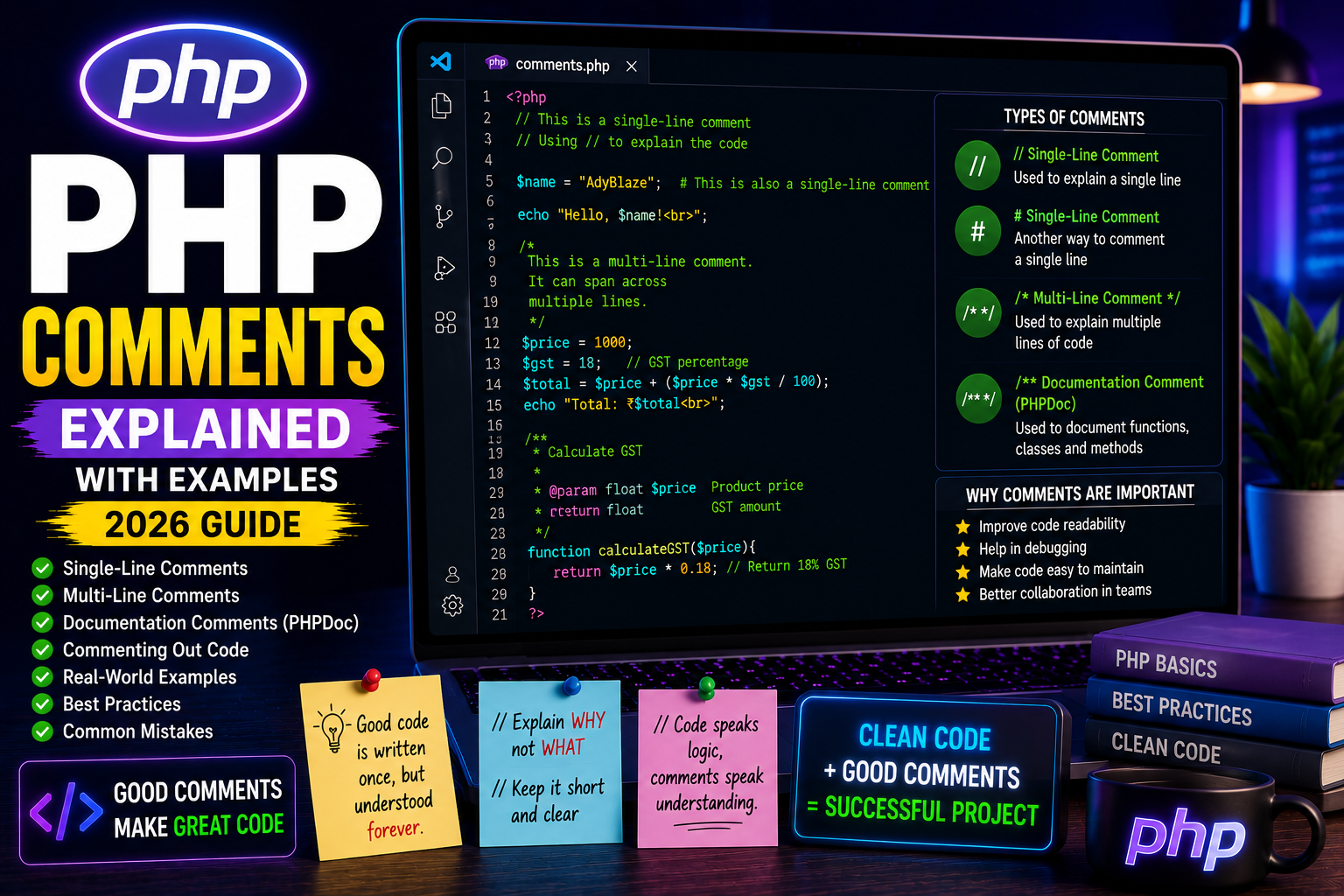
PHP Comments Explained with Examples (Beginner Guide 2026)
What are Comments in PHP?
Comments are lines of text that are ignored by the PHP interpreter. They are written to explain code, leave notes for other developers, or temporarily disable parts of a program during testing.
Comments make your code easier to understand, maintain, and debug.
Professional developers use comments extensively, especially in large projects where multiple people work on the same codebase.
Why Use Comments?
Comments are useful for:
- Explaining complex logic
- Describing functions
- Documenting code
- Leaving notes for teammates
- Debugging applications
- Temporarily disabling code
- Improving code readability
Without comments, large projects become difficult to understand.
Single-Line Comments
PHP supports two styles of single-line comments.
Using //
<?php

// This is a single-line comment

echo "Hello World";

?>
Using #
<?php

# This is also a single-line comment

echo "Welcome to AdyBlaze";

?>
Both styles work the same way.
Multi-Line Comments
When writing longer explanations, use multi-line comments.
Example:
<?php

/*
This program calculates
the total product price
including GST.
*/

echo "Product Price";

?>
Multi-line comments are commonly used to explain large blocks of code.
Commenting Out Code
Developers often disable code temporarily during testing.
Example:
<?php

echo "PHP Tutorial";

// echo "This line will not execute.";

echo "AdyBlaze";

?>
The commented line is ignored by PHP.
Real-World Example
Imagine you’re calculating product discounts.
<?php

$price = 2500;

// Apply 20% discount
$discount = $price * 0.20;

echo $price - $discount;

?>
The comment clearly explains what the calculation is doing.
Documentation Comments (PHPDoc)
Large projects often use PHPDoc comments to document functions and classes.
Example:
<?php

/**
 * Calculate GST
 *
 * @param float $price
 * @return float
 */

function calculateGST($price){

    return $price * 0.18;

}

?>
These comments are used by IDEs like VS Code and PhpStorm to provide documentation and auto-completion.
Best Practices
- Write meaningful comments.
- Explain why the code exists, not just what it does.
- Remove outdated comments.
- Keep comments short and clear.
- Use PHPDoc for reusable functions and classes.
Common Mistakes
❌ Writing unnecessary comments
$x = 10; // Assign 10 to x
This comment adds no value.
Instead, comment business logic:
// Default GST percentage for India
define("GST", 18);
Frequently Asked Questions
Do comments affect performance?
No. PHP ignores comments before executing the script.
Can users see PHP comments?
No. PHP comments are processed on the server and are not sent to the browser.
Should every line have a comment?
No. Write comments only where they improve understanding.
Conclusion
Comments are a simple but powerful feature of PHP. They help developers understand code, simplify maintenance, and improve collaboration in team projects. By writing clear and meaningful comments, you can make your PHP applications easier to manage and debug.
Next Tutorial
PHP Include & Require Explained (2026 Guide)