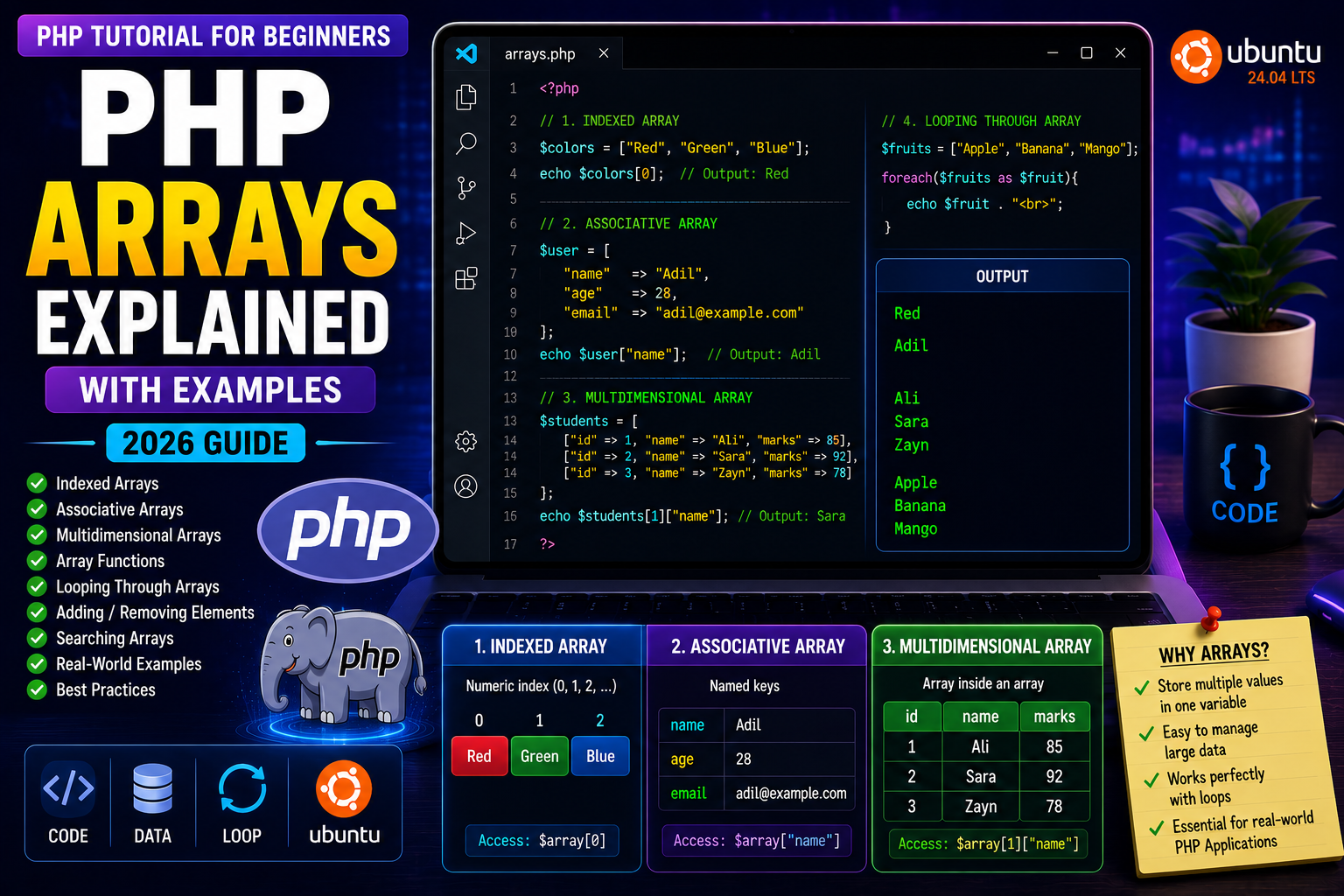
PHP Arrays Explained
Imagine you’re building an e-commerce website and need to store the names of 100 products.
Without arrays, you would have to create 100 different variables:
$product1 = "Laptop";
$product2 = "Mouse";
$product3 = "Keyboard";
...
This quickly becomes difficult to manage.
PHP solves this problem with arrays, which allow you to store multiple values inside a single variable.
Arrays are one of the most frequently used data structures in PHP and are essential for web development.
In this tutorial, you’ll learn how arrays work, the different types of arrays, and how to use them effectively.
What is an Array?
An array is a variable that can store multiple values.
Instead of creating many separate variables, you keep related data together in one array.
Example:
<?php

$fruits = ["Apple", "Banana", "Orange"];

?>
Here, one variable ($fruits) stores three different values.
Why Use Arrays?
Arrays help you:
- Store lists of products
- Display blog articles
- Manage user information
- Process database records
- Handle shopping carts
- Work with categories and menus
Almost every PHP application uses arrays extensively.
Types of Arrays in PHP
PHP supports three main types of arrays:
- Indexed Arrays
- Associative Arrays
- Multidimensional Arrays
Let’s understand each one.
Indexed Arrays
An indexed array stores values using numeric indexes that start from 0.
Example:
<?php

$colors = ["Red", "Green", "Blue"];

echo $colors[0];

?>
Output
Red
The indexes are:
$colors[0]→ Red$colors[1]→ Green$colors[2]→ Blue
Creating an Indexed Array
You can also create arrays like this:
<?php

$cars = array("BMW", "Audi", "Tesla");

?>
Both methods work, but the short [] syntax is preferred in modern PHP.
Accessing Array Elements
Use the index number to access a value.
Example:
<?php

$fruits = ["Apple", "Banana", "Mango"];

echo $fruits[2];

?>
Output
Mango
Looping Through an Array
Arrays work perfectly with loops.
Example:
<?php

$fruits = ["Apple", "Banana", "Orange"];

foreach($fruits as $fruit){

    echo $fruit . "<br>";

}

?>
Output
Apple
Banana
Orange
The foreach loop automatically visits every element in the array.
Associative Arrays
Associative arrays use named keys instead of numeric indexes.
Example:
<?php

$user = [

"name" => "Adil",

"age" => 28,

"country" => "India"

];

echo $user["name"];

?>
Output
Adil
Associative arrays are commonly used for:
- User profiles
- Product information
- Database records
- API responses
Why Associative Arrays Are Useful
Instead of remembering numeric positions like:
$user[0];
You can use meaningful names:
$user["email"];
This makes your code much easier to read and maintain.