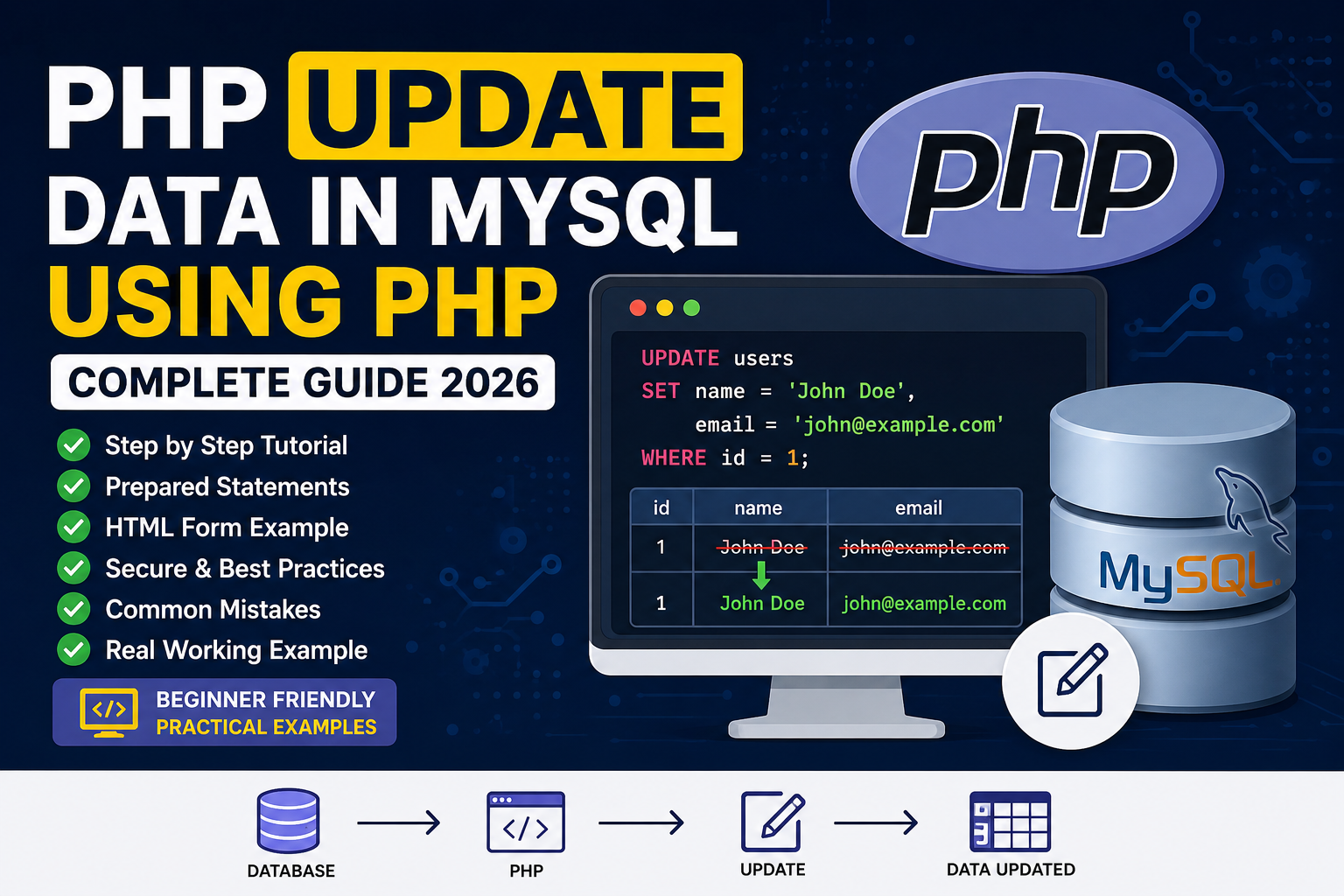
PHP UPDATE Data in MySQL Using PHP
Imagine you have a website where users can edit their profile, change their email address, update their password, or modify their contact information. When the user clicks the Save Changes button, the application should not create a new record—it should update the existing one.
This is where the SQL UPDATE statement comes into play.
The UPDATE statement is one of the four fundamental CRUD (Create, Read, Update, Delete) operations used in almost every PHP application. Whether you are building an e-commerce website, a school management system, a hospital portal, or a blogging platform, you will use UPDATE queries regularly.
In this tutorial, you will learn:
- What the SQL UPDATE statement is.
- How UPDATE works with PHP and MySQL.
- The correct SQL syntax.
- How to update data securely using Prepared Statements.
- Common mistakes beginners make.
- Best practices for production applications.
- A complete working example with code.
By the end of this guide, you’ll be able to update database records confidently in your own PHP projects.
What is the SQL UPDATE Statement?
The SQL UPDATE statement is used to modify existing records in a database table. Unlike the INSERT statement, which adds a new row, UPDATE changes the values stored in one or more existing rows.
For example, suppose you have the following users table:
| ID | Name | |
|---|---|---|
| 1 | John | john@example.com |
| 2 | David | david@example.com |
| 3 | Sarah | sarah@example.com |
If John changes his name to Michael, you don’t create a new user. Instead, you update the existing record.
SQL Query:
UPDATE users
SET name = 'Michael'
WHERE id = 1;
After running this query:
| ID | Name | |
|---|---|---|
| 1 | Michael | john@example.com |
| 2 | David | david@example.com |
| 3 | Sarah | sarah@example.com |
Only the record with id = 1 is updated.
Why is UPDATE Important?
Almost every dynamic website uses UPDATE queries.
Here are some real-world examples:
User Profile
A user edits:
- Name
- Mobile Number
- Profile Photo
- Address
The application updates the existing record.
E-Commerce Website
An administrator changes:
- Product Price
- Product Description
- Stock Quantity
These changes are saved using UPDATE.
School Management System
Teachers update:
- Student Marks
- Attendance
- Class Information
Again, UPDATE is used.
Hospital Management System
Doctors may edit:
- Patient Diagnosis
- Prescription
- Appointment Details
Without UPDATE, such changes would not be possible.
Understanding CRUD
Every database application revolves around four basic operations:
| Operation | SQL Command | Purpose |
|---|---|---|
| Create | INSERT | Add new records |
| Read | SELECT | Retrieve records |
| Update | UPDATE | Modify existing records |
| Delete | DELETE | Remove records |
If you already know INSERT and SELECT, UPDATE is the next logical step before learning DELETE.
SQL UPDATE Syntax
The basic syntax of the UPDATE statement is:
UPDATE table_name
SET column1 = value1,
    column2 = value2
WHERE condition;
Let’s understand each part:
- UPDATE specifies the table that contains the record.
- SET defines which columns should receive new values.
- WHERE identifies the specific row or rows to update.
The WHERE clause is extremely important because it tells MySQL exactly which record should be modified.
⚠️ The Biggest Mistake Beginners Make
Many beginners accidentally write:
UPDATE users
SET name='John';
This query updates every row in the users table because there is no WHERE condition.
Imagine your website has 50,000 registered users. One incorrect query like this could change the name of every user to John.
The correct query is:
UPDATE users
SET name='John'
WHERE id=1;
Now only one record is modified.
Golden Rule: Never execute an UPDATE query without carefully checking the
WHEREclause unless you intentionally want to update every matching row.