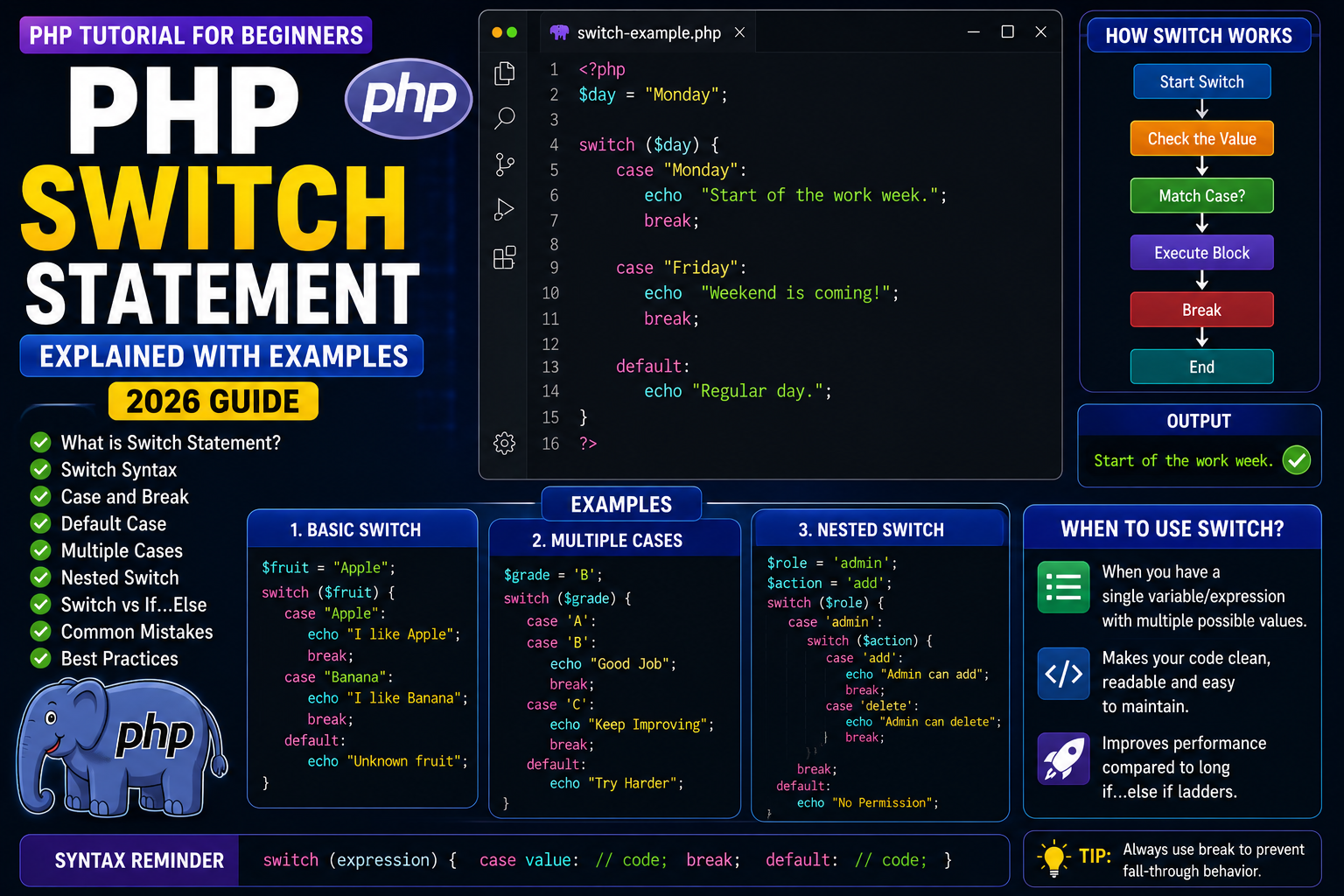
PHP Switch Statement Explained
When your program needs to choose one option from many possible values, writing multiple if...elseif statements can make the code long and difficult to maintain.
PHP provides the switch statement to solve this problem. It allows you to compare a single value against multiple possible cases, making your code cleaner and easier to read.
In this tutorial, you’ll learn how the PHP switch statement works, when to use it, and how to write efficient switch-based programs.
What is a Switch Statement?
A switch statement evaluates a single expression and compares it with multiple case values.
When a matching case is found, PHP executes the corresponding block of code.
Syntax
switch ($variable) {

    case value1:
        // Code
        break;

    case value2:
        // Code
        break;

    default:
        // Code
}
Your First Switch Program
<?php

$day = "Monday";

switch ($day) {

    case "Monday":
        echo "Start of the work week.";
        break;

    case "Friday":
        echo "Weekend is coming!";
        break;

    default:
        echo "Regular day.";
}

?>
Output
Start of the work week.
Understanding the Code
switch($day)checks the value of$day.- PHP compares it with each
case. - When
"Monday"matches, that block is executed. - The
breakstatement stops further comparisons.
Why is break Important?
Without break, PHP continues executing the following cases.
Example:
<?php

$number = 1;

switch ($number) {

    case 1:
        echo "One<br>";

    case 2:
        echo "Two<br>";

    case 3:
        echo "Three";
}

?>
Output
One
Two
Three
This behavior is called fall-through.
In most situations, you should use break after each case.
Using the Default Case
The default block executes when no case matches.
<?php

$color = "Blue";

switch ($color) {

    case "Red":
        echo "Stop";
        break;

    case "Green":
        echo "Go";
        break;

    default:
        echo "Unknown Color";
}

?>
Output
Unknown Color
Real-World Example
Suppose you want to display messages based on a user’s role.
<?php

$role = "admin";

switch ($role) {

    case "admin":
        echo "Welcome Admin Dashboard";
        break;

    case "editor":
        echo "Welcome Editor Panel";
        break;

    case "subscriber":
        echo "Welcome User";
        break;

    default:
        echo "Access Denied";
}

?>
This is much cleaner than writing several if...elseif statements.