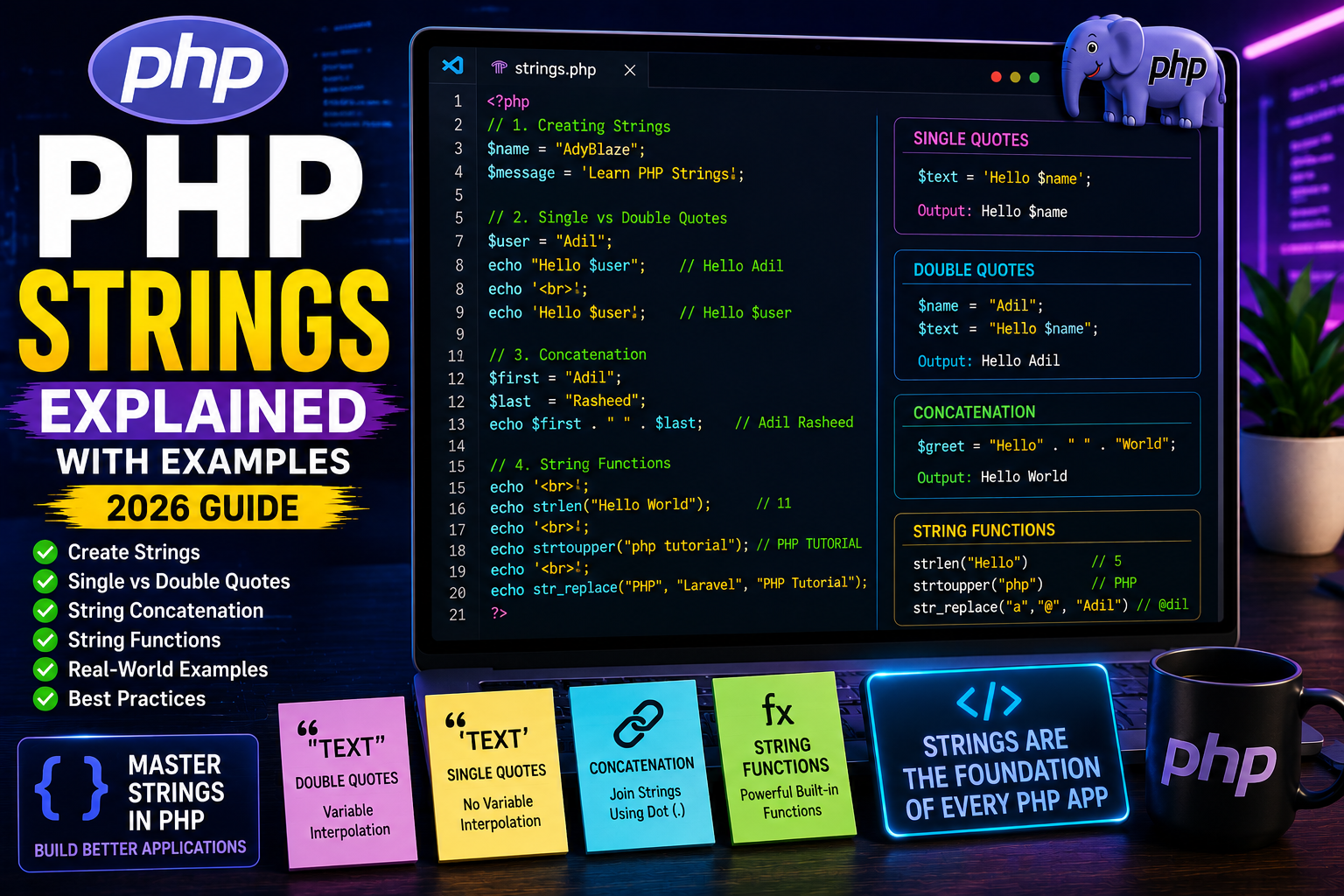
PHP Strings Explained
Almost every PHP application works with text. Whether you’re displaying a user’s name, showing a product description, sending an email, or creating a blog post, you’re working with strings.
A string is one of the most commonly used data types in PHP. Understanding strings is essential for every PHP developer.
In this tutorial, you’ll learn how strings work, how to create them, combine them, and manipulate them using built-in PHP functions.
What is a String?
A string is a sequence of characters enclosed in single quotes (' ') or double quotes (" ").
Examples of strings:
- User names
- Email addresses
- Website titles
- Product names
- Blog content
- Messages
- URLs
Example:
<?php

$name = "AdyBlaze";

echo $name;

?>
Output
AdyBlaze
Creating Strings
PHP allows you to create strings using either double quotes or single quotes.
Using double quotes:
<?php

$message = "Welcome to AdyBlaze";

echo $message;

?>
Using single quotes:
<?php

$message = 'Welcome to AdyBlaze';

echo $message;

?>
Both examples produce the same output.
Single Quotes vs Double Quotes
There is one important difference.
Double Quotes
Variables inside double quotes are automatically replaced with their values.
<?php

$name = "Adil";

echo "Hello $name";

?>
Output
Hello Adil
Single Quotes
Variables are not interpreted.
<?php

$name = "Adil";

echo 'Hello $name';

?>
Output
Hello $name
String Concatenation
Concatenation means joining two or more strings together.
PHP uses the dot (.) operator for concatenation.
Example:
<?php

$firstName = "Adil";

$lastName = "Rasheed";

echo $firstName . " " . $lastName;

?>
Output
Adil Rasheed
Concatenating Variables and Text
<?php

$product = "Laptop";

$price = 49999;

echo "Product: " . $product . "<br>";

echo "Price: ₹" . $price;

?>
Output
Product: Laptop

Price: ₹49999
String Length
PHP provides the strlen() function to count the number of characters in a string.
Example:
<?php

$text = "Hello World";

echo strlen($text);

?>
Output
11
Counting Words
Use the str_word_count() function to count the number of words.
Example:
<?php

$text = "Welcome to AdyBlaze";

echo str_word_count($text);

?>
Output
3
Converting to Uppercase
Use the strtoupper() function.
<?php

echo strtoupper("php tutorial");

?>
Output
PHP TUTORIAL
Converting to Lowercase
Use the strtolower() function.
<?php

echo strtolower("PHP TUTORIAL");

?>
Output
php tutorial
Replacing Text
The str_replace() function replaces text inside a string.
Example:
<?php

echo str_replace("PHP", "Laravel", "PHP Tutorial");

?>
Output
Laravel Tutorial
Real-World Example
Imagine displaying a personalized welcome message.
<?php

$name = "Adil";

echo "Welcome back, " . $name . "!";

?>
This technique is used in login systems, dashboards, e-commerce websites, and CMS platforms like WordPress.