Introduction
A dynamic website needs a database to store and retrieve information. Whether you’re building a blog, login system, e-commerce store, or CRM, PHP commonly connects with a MySQL database.
PHP provides two popular ways to connect to MySQL:
- MySQLi (MySQL Improved)
- PDO (PHP Data Objects)
In this tutorial, we’ll focus on MySQLi, which is beginner-friendly and widely used.
What is MySQL?
MySQL is an open-source Relational Database Management System (RDBMS) used to store structured data.
Examples of data stored in MySQL:
- User accounts
- Product details
- Blog posts
- Customer orders
- Employee records
- Student information
PHP communicates with MySQL to read, insert, update, and delete this data.
Requirements
Before connecting PHP to MySQL, make sure you have:
- PHP installed
- MySQL or MariaDB installed
- Apache/Nginx web server
- A database created
For local development, you can use:
- XAMPP
- WAMP
- MAMP
- LAMP (Ubuntu)
Database Credentials
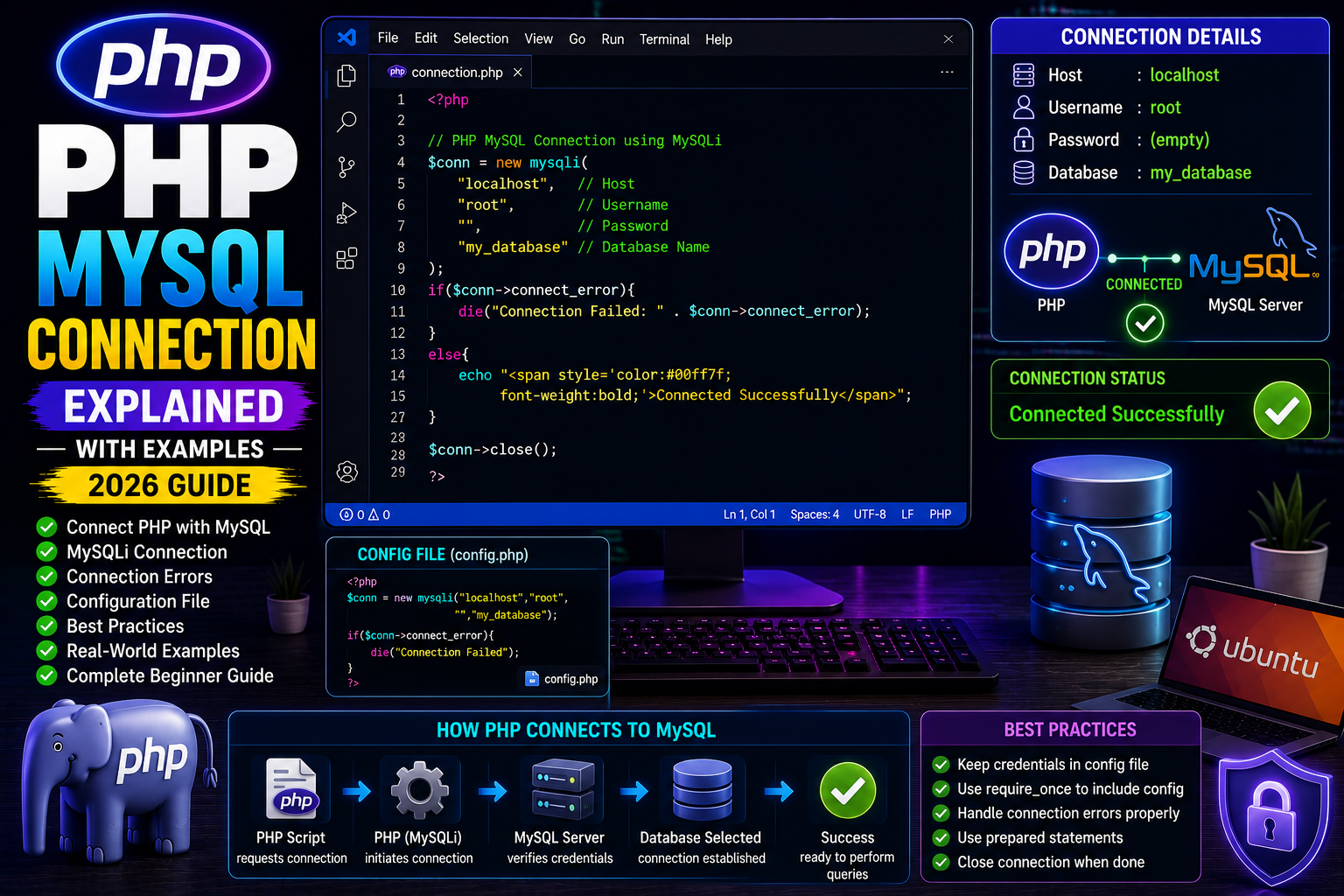
A connection requires four basic details:
Host

Username

Password

Database Name
Typical local values:
Host: localhost

Username: root

Password:

Database: my_database
Connecting Using MySQLi
<?php

$conn = new mysqli(
    "localhost",
    "root",
    "",
    "my_database"
);

if($conn->connect_error){

    die("Connection Failed: " . $conn->connect_error);

}

echo "Connected Successfully";

?>
Output
Connected Successfully
Understanding the Code
new mysqli(
    host,
    username,
    password,
    database
);
The constructor creates a connection to the MySQL server.
If the connection fails, connect_error contains the error message.
Storing Connection in a Separate File
Professional projects keep database connections in a separate file.
config.php
<?php

$conn = new mysqli(
    "localhost",
    "root",
    "",
    "my_database"
);

if($conn->connect_error){

    die("Connection Failed");

}

?>
Then include it wherever needed:
<?php

require_once "config.php";

?>
This avoids repeating the connection code.
Closing the Connection
After completing database operations:
<?php

$conn->close();

?>
Although PHP closes connections automatically at the end of the script, explicitly closing them is a good habit.
Common Connection Errors
Wrong Username
Access denied for user
Wrong Password
Access denied
Database Not Found
Unknown database
MySQL Server Not Running
Can't connect to MySQL server
Always verify your credentials and ensure the database server is running.
Real-World Example
A login system typically follows this flow:
- Connect to the database.
- Receive email and password.
- Query the
userstable. - Verify the password.
- Start a session if authentication succeeds.
Every database-driven PHP application begins with a successful database connection.
Best Practices
- Store credentials in a configuration file.
- Use
require_oncefor database connections. - Never hardcode passwords in multiple files.
- Handle connection errors gracefully.
- Use prepared statements for queries.
- Close connections when appropriate.
Frequently Asked Questions
Can PHP connect to MariaDB?
Yes. MariaDB is fully compatible with MySQLi in most cases.
Which is better: MySQLi or PDO?
- MySQLi is beginner-friendly and ideal for MySQL.
- PDO supports multiple database systems and offers greater flexibility.
Can one connection be reused?
Yes. Create the connection once and include the configuration file across your project.
Conclusion
Connecting PHP with MySQL is the first step toward building dynamic websites. By using MySQLi, separating connection logic into configuration files, and following best practices, you can create scalable and maintainable PHP applications.
Once the connection is established, you’re ready to perform CRUD operations such as inserting, updating, deleting, and retrieving data.
Next Tutorial
PHP INSERT Data into MySQL (2026 Guide)