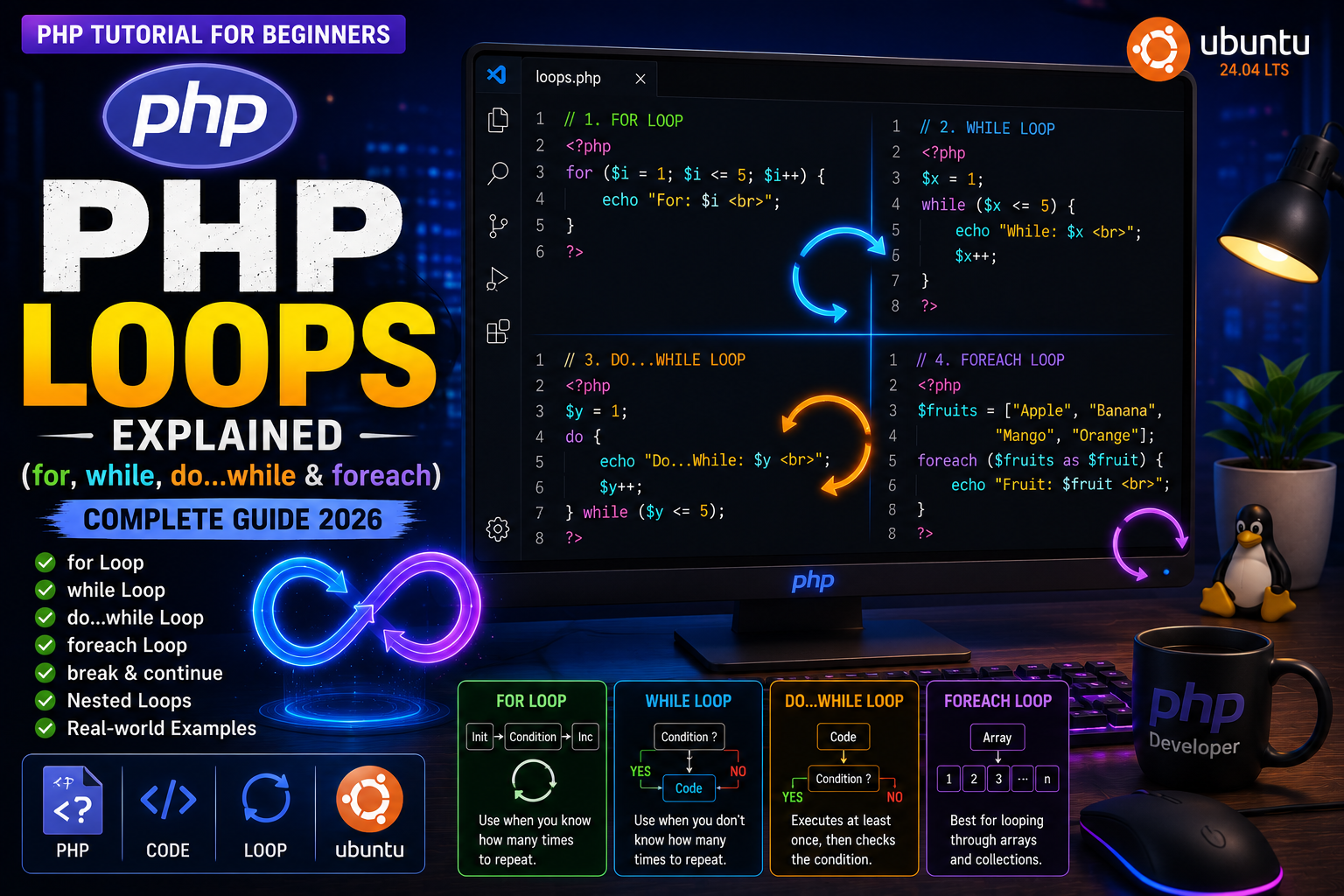
PHP Loops Explained
Imagine you want to display the numbers from 1 to 100 on a webpage.
One way is to write:
echo 1;
echo 2;
echo 3;
...
echo 100;
This would be extremely repetitive and inefficient.
Instead, PHP provides loops, which allow you to execute the same block of code multiple times automatically.
Loops are one of the most important programming concepts because they help you process data efficiently, reduce repetitive code, and automate repetitive tasks.
In this tutorial, you’ll learn every major loop available in PHP with practical examples.
What is a Loop?
A loop repeatedly executes a block of code until a specified condition becomes false.
For example, if you want to display numbers from 1 to 10, a loop can perform the task in just a few lines of code.
Why Use Loops?
Loops are useful for:
- Displaying lists of products
- Showing blog articles
- Reading database records
- Processing arrays
- Creating tables
- Generating reports
- Sending bulk emails
- Performing repeated calculations
Without loops, many PHP applications would require thousands of unnecessary lines of code.
Types of Loops in PHP
PHP provides four main loops:
forwhiledo...whileforeach
Each loop is designed for different situations.
The for Loop
The for loop is commonly used when you know exactly how many times the code should execute.
Syntax
for(initialization; condition; increment){
    // Code
}
Example: Print Numbers 1 to 10
<?php

for($i = 1; $i <= 10; $i++){

    echo $i . "<br>";

}

?>
Output
1
2
3
4
5
6
7
8
9
10
Understanding the for Loop
$i = 1;
Starts the counter at 1.
$i <= 10;
The loop continues while this condition is true.
$i++;
Increases the value of $i by one after every iteration.
Using a while Loop
A while loop continues executing as long as the condition remains true.
Syntax
while(condition){
    // Code
}
Example
<?php

$count = 1;

while($count <= 5){

    echo $count . "<br>";

    $count++;

}

?>
Output
1
2
3
4
5
When Should You Use while?
The while loop is useful when you don’t know in advance how many times the loop should execute.
Examples include:
- Reading database rows
- Processing user input
- Reading files
- Waiting for a condition to become false
The do...while Loop
The do...while loop executes the code at least once, even if the condition is false.
Syntax
do{

    // Code

}while(condition);
Example
<?php

$x = 1;

do{

    echo $x . "<br>";

    $x++;

}while($x <= 5);

?>
Unlike a while loop, the condition is checked after the first execution.