Introduction
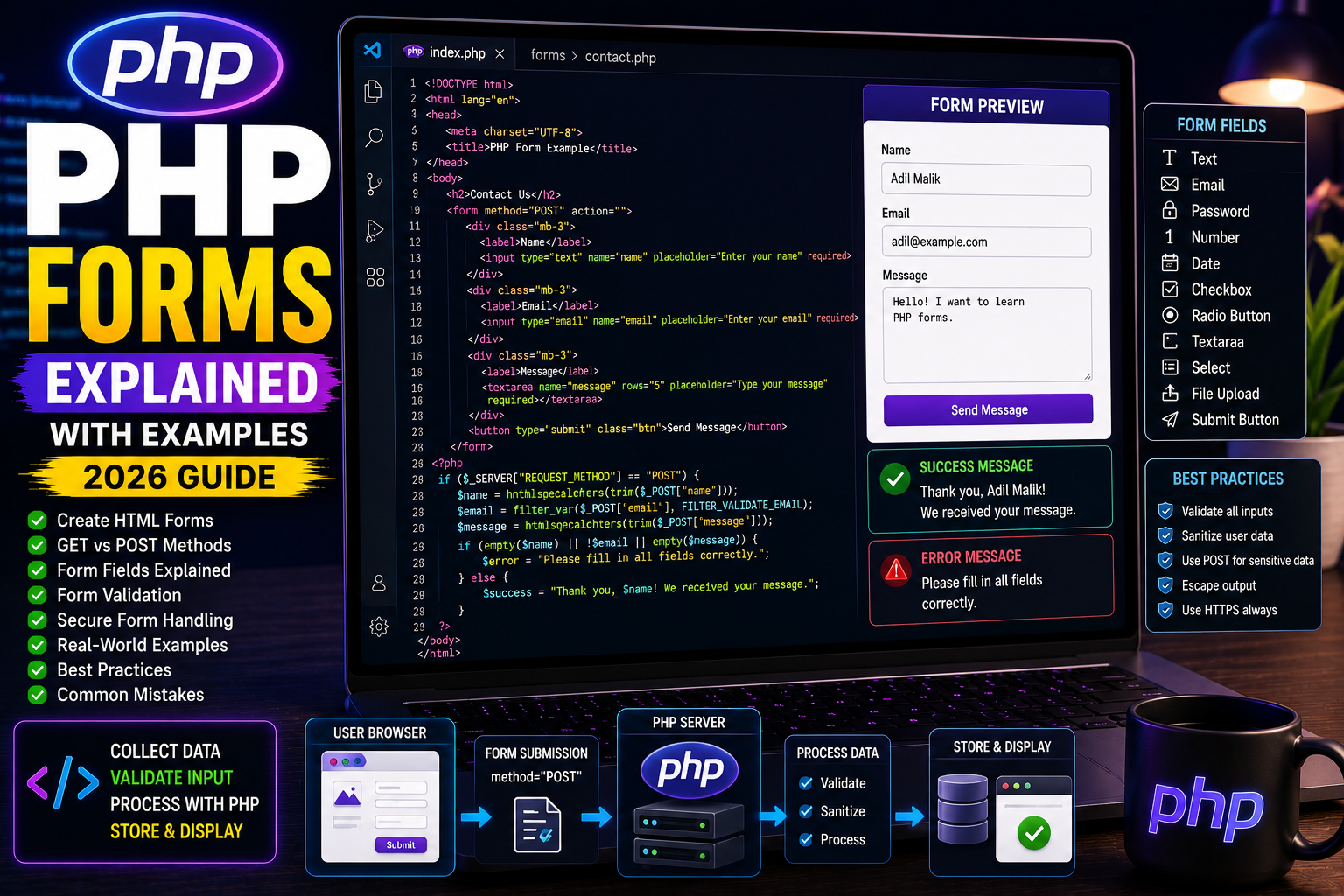
Forms are one of the most important parts of web development. Every website that accepts user input—such as a login page, contact form, registration page, search bar, or checkout page—uses HTML forms together with PHP.
PHP processes the information entered by users and performs actions such as storing data in a database, sending emails, or validating user input.
In this tutorial, you’ll learn how PHP forms work and how to handle them securely.
What is a PHP Form?
A PHP form is simply an HTML form whose submitted data is processed by a PHP script.
Example uses include:
- Login forms
- Registration forms
- Contact forms
- Feedback forms
- Product search
- Newsletter subscription
- Payment pages
Creating Your First Form
Example:
<!DOCTYPE html>

<html>

<body>

<form method="POST">

<label>Name</label>

<input type="text"

name="username">

<input type="submit"

value="Submit">

</form>

</body>

</html>
This creates a simple form containing one text field and one submit button.
Receiving Form Data
PHP receives submitted values using the $_POST superglobal.
<?php

if(isset($_POST["username"])){

echo "Welcome "

. $_POST["username"];

}

?>
Output
Welcome Adil
Form Using GET
Forms can also use the GET method.
<form method="GET">

<input type="text"

name="search">

<input type="submit">

</form>
Receiving data:
echo $_GET["search"];
GET is suitable for search pages and filters.
Common Form Fields
Forms can contain different input types.
Text

Password

Email

Number

Date

Checkbox

Radio Button

Textarea

Select Dropdown

File Upload

Submit Button
Example Contact Form
<form method="POST">

<input

type="text"

name="name"

placeholder="Your Name">

<input

type="email"

name="email"

placeholder="Email">

<textarea

name="message">

</textarea>

<input

type="submit"

value="Send">

</form>
Processing:
<?php

if($_SERVER["REQUEST_METHOD"]=="POST"){

$name=$_POST["name"];

$email=$_POST["email"];

$message=$_POST["message"];

echo "Message received.";

}

?>
Checking Empty Fields
Never assume users fill every field.
Example:
if(empty($_POST["name"])){

echo "Name is required.";

}
Validating Email
PHP provides built-in validation.
<?php

$email=$_POST["email"];

if(filter_var($email,

FILTER_VALIDATE_EMAIL)){

echo "Valid Email";

}

else{

echo "Invalid Email";

}

?>
Preventing XSS
Always escape user input before displaying it.
echo htmlspecialchars($_POST["name"]);
This prevents Cross-Site Scripting attacks.
Real-World Example
Registration form:
Name

Email

Password

Confirm Password

Mobile Number

Submit
PHP validates every field before storing data in the database.
Best Practices
- Validate all inputs.
- Never trust user data.
- Escape output using
htmlspecialchars(). - Use POST for sensitive information.
- Use prepared statements with databases.
- Display meaningful error messages.
Common Mistakes
❌ Forgetting the name attribute.
❌ Using GET for passwords.
❌ Skipping validation.
❌ Displaying raw user input.
❌ Not checking empty fields.
Frequently Asked Questions
Is HTML enough to process forms?
No. HTML creates the form, while PHP processes the submitted data.
Why use POST instead of GET?
POST hides submitted data from the URL and is more suitable for sensitive information.
Can one PHP file display and process the same form?
Yes. This is one of the most common PHP development practices.
Conclusion
Forms are the primary way users interact with PHP applications. Whether you’re building a login system, contact page, registration portal, or shopping website, understanding PHP forms is essential.
By validating user input and following security best practices, you can create safe and reliable web applications.
Next Tutorial
PHP Sessions Explained with Examples (2026 Guide)